SU
SketchUp Sync panel
Real HtmlDialog: Max status, Sync / Update / Live.
Native geometry transfer between apps — no FBX, no axis flips, no broken texture paths.
Each plugin is bought separately, by the year. Sign in with the account you bought it on to unlock it.
Requires: SketchUp 2021.1+ ⟷ 3ds Max 2025+ · Windows
Real plugin UI captures (HtmlDialog + Max dock). Callouts mark daily controls.
Real HtmlDialog: Max status, Sync / Update / Live.
Only dirty groups update — no full rebuild.
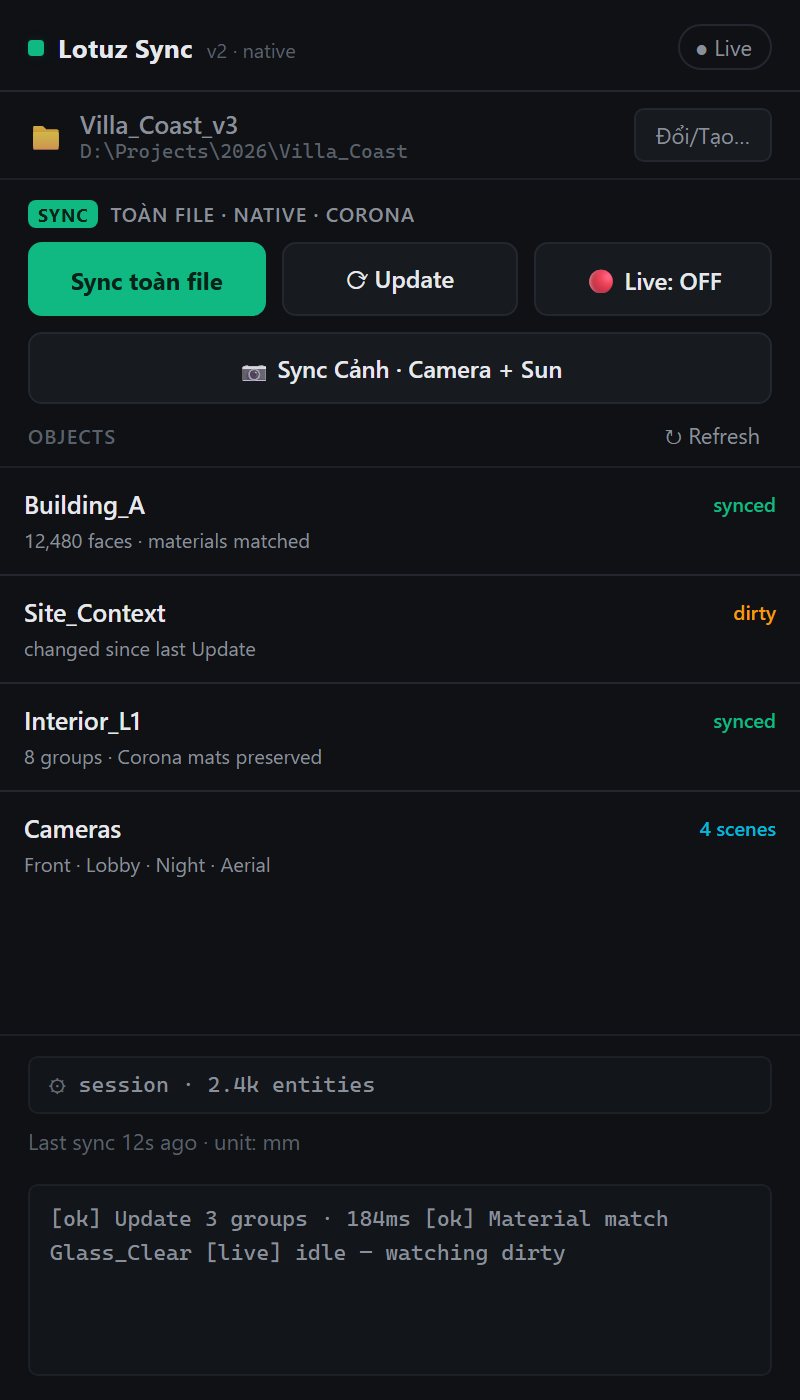
Captured from Lotuz Sync production UI
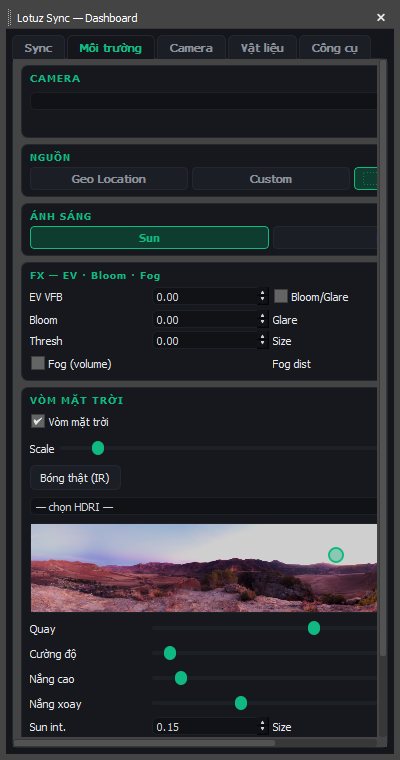
Environment tab: HDRI, geo sun — real dock shot.
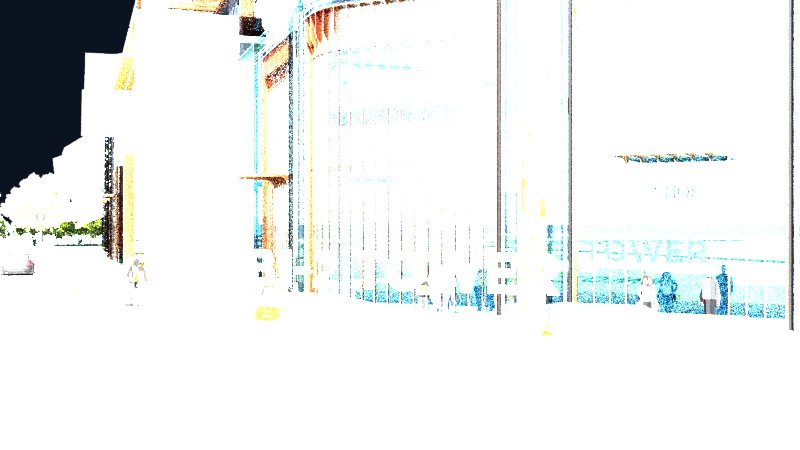
Post-sync result without FBX.
Real HtmlDialog: Max status, Sync / Update / Live.
Only dirty groups update — no full rebuild.
Environment tab: HDRI, geo sun — real dock shot.
Post-sync result without FBX.
No mock marketing UI — real SketchUp / 3ds Max / Photoshop panels from Lotuz workflows.

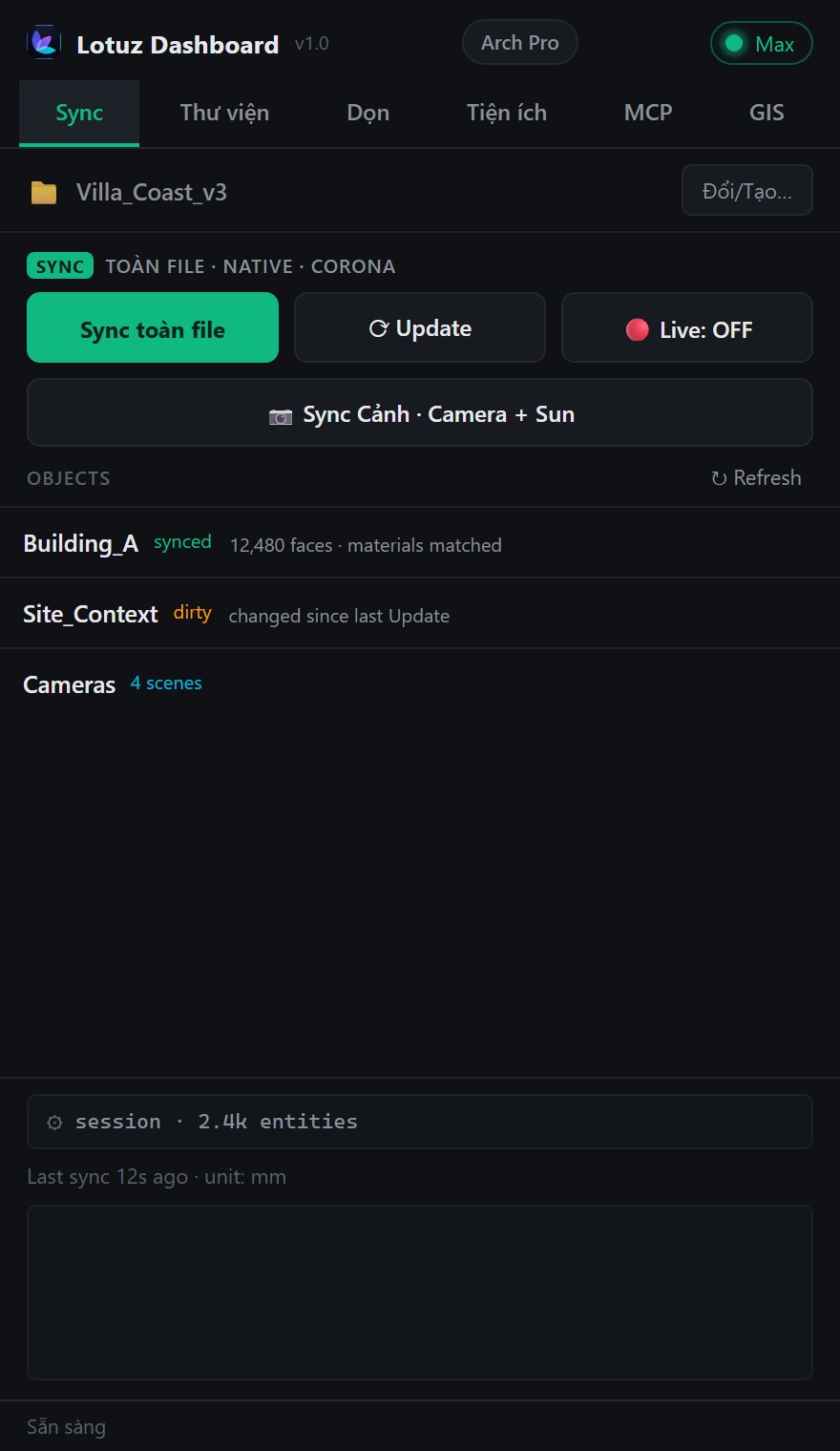
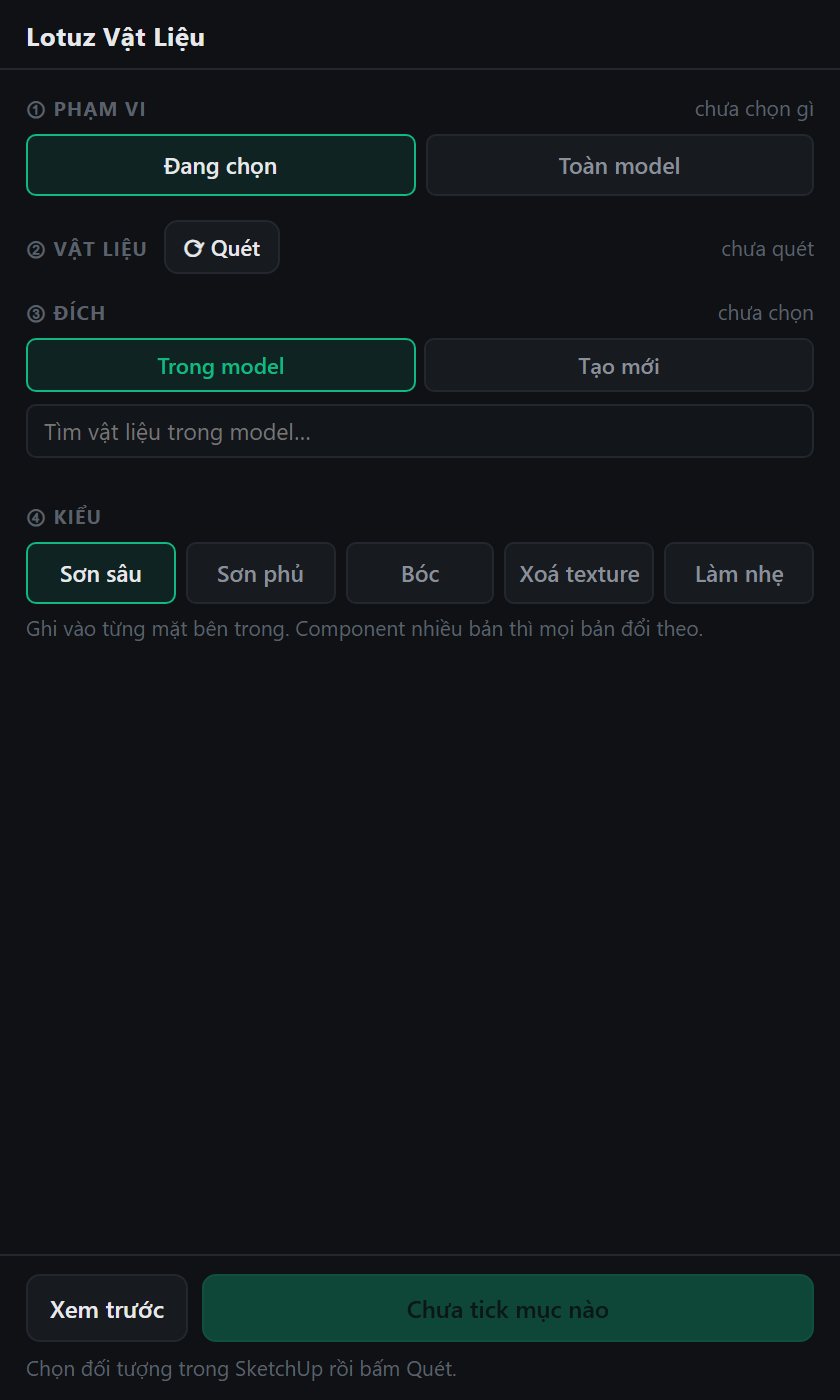
Massing in SketchUp, Corona/V-Ray in Max — no FBX every revision.
Fast layout in SU; keep tuned Corona materials on Update.
Both apps on one machine — Live sync for midday reviews before overnight renders.
Install Lotuz Arch (SketchUp + 3ds Max). The same lotuz.ai account unlocks Sync once you have bought Lotuz Sync.
Open SketchUp model → Full Sync. Max gets geometry, units, transforms; materials map by name.
Edit a few groups → Update dirty only. Live: edit SU, Max rebuilds ~2s. Scene sync moves cameras + sun.
Tune Corona on Max. Later syncs do not wipe named Corona materials.
No FBX middleman — fewer Y-up/Z-up flips, unit bugs, broken texture paths.
Only changed groups/faces travel. Large files stay practical on Update.
SU “Glass_Clear” hits Max Corona “Glass_Clear” — gloss/IOR preserved.
Max panel: HDRI + geo/custom sun, scene cameras from real dock captures.
Sync tab in Lotuz Dashboard: plan status + open Sync panel.
SketchUp 2021.1+ and 3ds Max 2025+. Min host follows Arch release notes.
No. Sync/GIS are time-based Lotuz Arch — no CR involved.
Default 1 concurrent machine. SU + Max on the same PC count as one device.
Split groups. Partial Update helps; purge with free tools before huge first Sync.
Each plugin is bought separately, by the year. Sign in with the account you bought it on to unlock it.
Export FBX then import into Max is the common path — and where most rework is born.
SketchUp exports Y-up, Max expects Z-up. Rotate every time.
Inches become centimetres; the model is tens of times too big.
FBX writes relative paths that point nowhere on the Max machine.
Split by material, then merge again by hand.
Lotuz Sync owns both ends — a SketchUp plugin and a 3ds Max tool — so geometry moves natively with no intermediate format. Those four problems disappear because their cause is gone.
Modeled in SketchUp, synced to 3ds Max, rendered in Corona. No FBX, no reassigning materials.

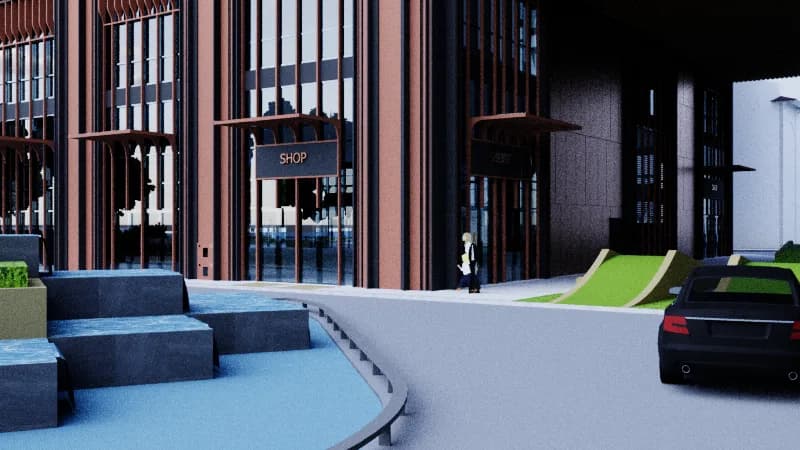
First pass, or when you want a full rebuild.
Later passes — only push what changed, much faster.
Turn on and keep editing in SketchUp; Max rebuilds after ~2s.
Bring cameras and sun direction from scenes into Max.
Existing names keep your Corona materials; only new names rebuild.
50 identical chairs transfer once; Max instances share one mesh.
.dwg imports with hundreds of thousands of junk faces are skipped instead of freezing the machine.
Default cap is 100,000 faces per object. Split first if you need them.
SketchUp → 3ds Max today. Edits in Max do not push back to SketchUp.
No macOS build yet.
Hands-on tutorials written by the Lotuz team for architects and visualizers — free to read, no account needed. (In Vietnamese.)
Courses:SketchUpCorona · 3ds MaxD5 RenderBlenderBrowse the whole Community →
AI for Photoshop
Generate, relight and upscale with AI without leaving your open document. 17 models, 118 architecture prompts.
Learn more →Render and edit architectural images on the web
Upload a SketchUp view, pick a preset and press Render — the result keeps your massing and camera. Not happy with one spot? Mark it to change, add or remove, and nothing else moves.
Learn more →SketchUp to Blender — early build
Live link from SketchUp to Blender, carrying materials, camera and sun direction. Install the add-on for Blender 4.2 or newer and enable it in Preferences › Add-ons. Early build, still being finished.
Learn more →Urban context and terrain inside SketchUp
Frame an area on the map and get building blocks, roads at real widths, green areas and terrain — each layer on its own tag.
Learn more →Roads, junctions and markings in SketchUp
Draw an alignment and build the carriageway to one of fifteen standard sections, with curb-return junctions, QCVN 41:2019 markings and terrain following.
Learn more →Lay curbs and edging along a path
Pick a profile and run it along a path: curbs, planter edging, gutters. A library of ready-made profiles is included.
Learn more →Parametric doors, windows and curtain walls
Build doors, windows and curtain walls from parameters inside SketchUp, in the Doors / Curtain wall tab of the Lotuz Dashboard.
Learn more →Clean up SketchUp files — free
Eleven controlled cleaning commands, each undoable on its own. Find the heavy objects, merge duplicates without changing shapes, then write a compacted copy.
Learn more →SKP · SKM · texture library
Browse models, materials and textures in one window. Thumbnails are packed into the folder itself, so the whole studio shares them.
Learn more →Massing and apartment layout — free
Block out a building, split a typical floor into apartments and read planning figures right inside SketchUp. Free, no expiry.
Learn more →Block · Remove · Manage · Add SketchUp plugins
One place to control extensions: toggle, block conflicts, uninstall broken plugins, install more, and review hotfixes — free with Lotuz.
Learn more →Use Claude with SketchUp
Let Claude or Codex drive SketchUp over the MCP protocol. Still being finished, opening soon.
Learn more →