AI architectural rendering, right in your browser
Upload a SketchUp view or a raw model shot, pick a preset, let the AI assistant write the prompt and press Render. The result keeps your massing, camera and framing. Not happy with one spot? Mark it to change, add or remove — nothing else moves.
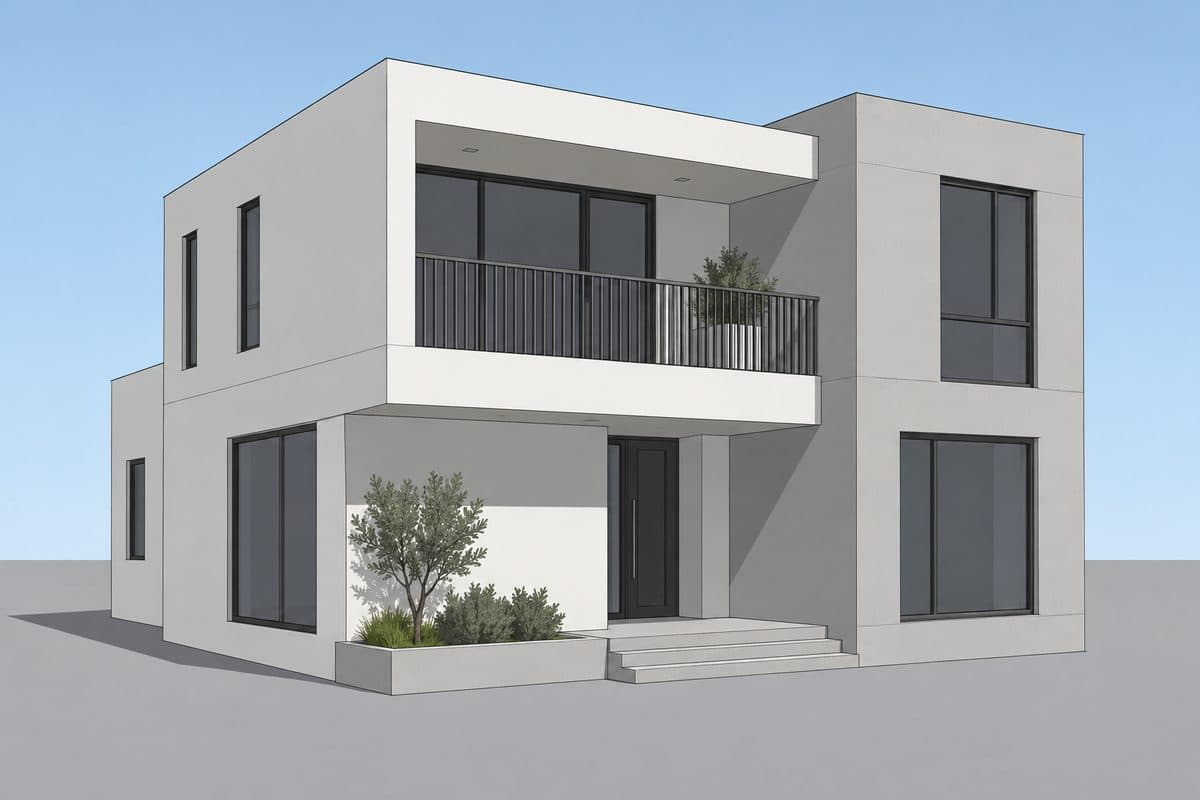
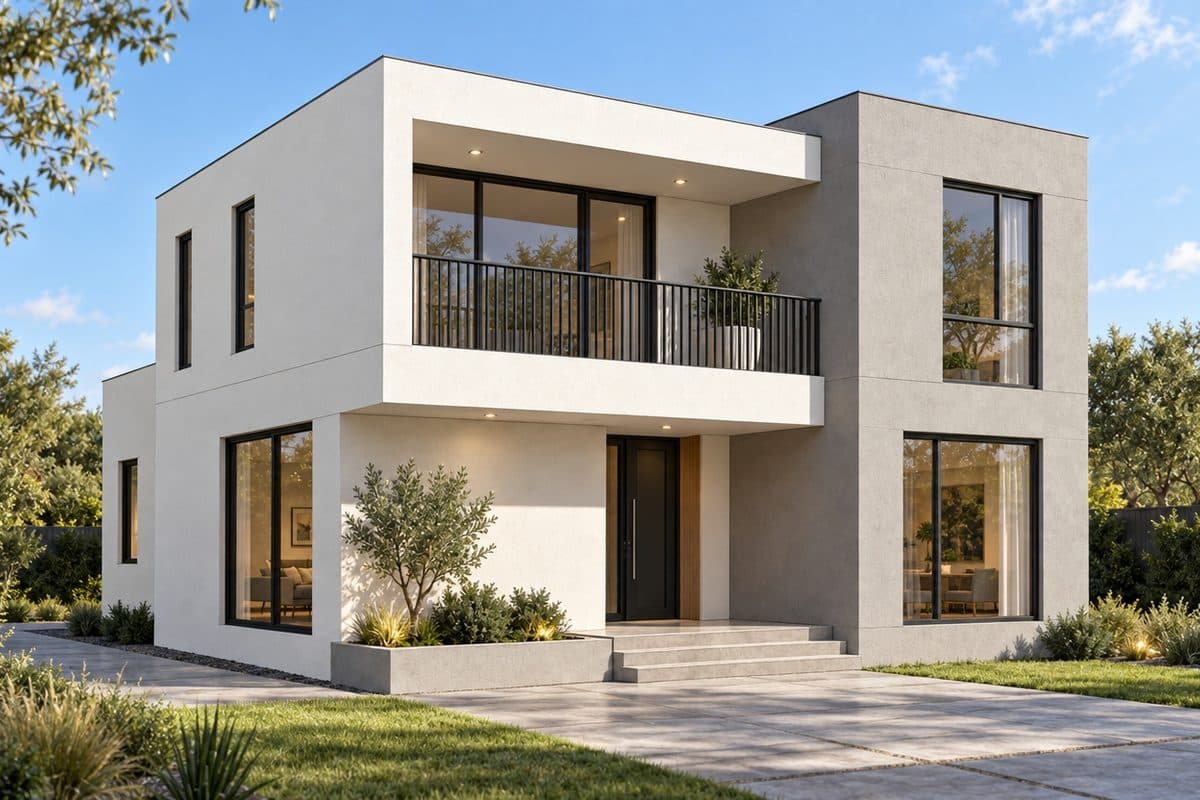
Same view: raw SketchUp on the left, Lotuz Render on the right. Drag the handle to compare.
From a raw view to a render
No lighting or material setup in your modeller: a SketchUp screenshot is enough.
1. Upload
A SketchUp view, raw model shot or screenshot (JPG, PNG, WebP, up to 24 MP). Add up to 2 references and choose what each one gives: light, tone, materials or setting.
2. Pick a preset
Exterior, interior or aerial — 3 presets each, plus option groups: style, Vietnamese settings, lighting, extra elements.
3. AI writes the prompt
The assistant reads the image and your choices and writes a complete prompt. You can still edit it in the Final prompt box.
4. Choose a model, render
Pick a model and 1K / 2K / 4K; the CR price shows on the button. The result keeps the exact size of your image.
9 ready-made presets for architecture
Each preset is a prompt tested on real images. Fidelity (Precise · Balanced · Creative) sets how much the AI may change; Keep texture holds your materials and surface colours.
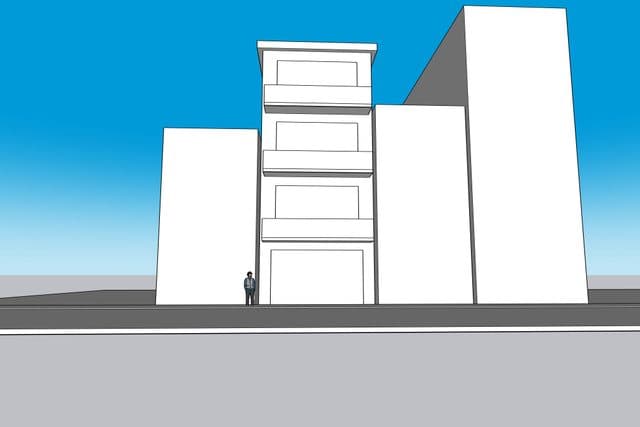
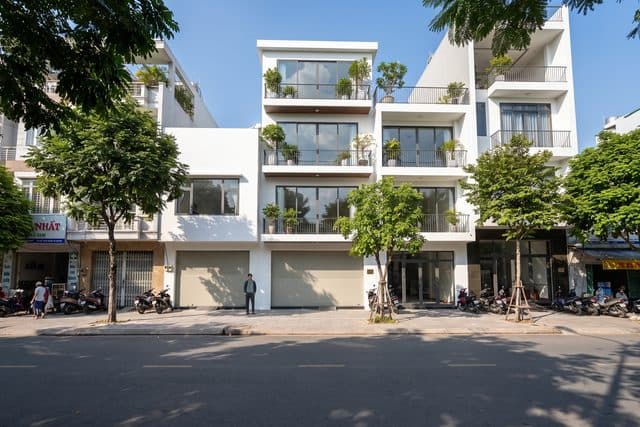
Exterior · townhouse by day
A sunny Vietnamese street with motorbikes and street trees.
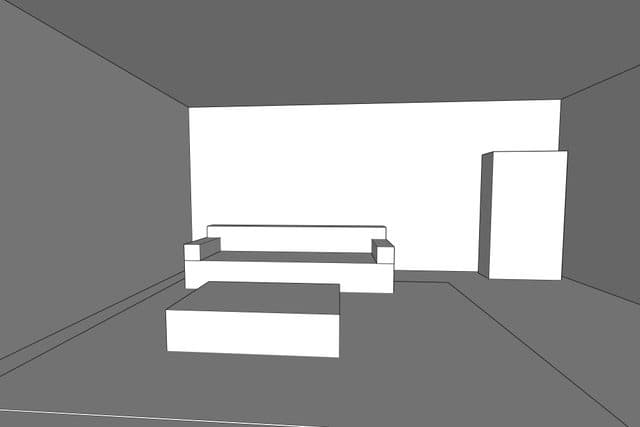
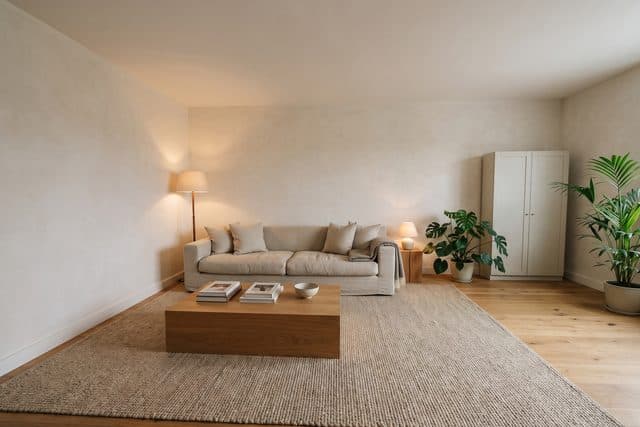
Interior · warm living room
Warm light, natural wood and fabric.
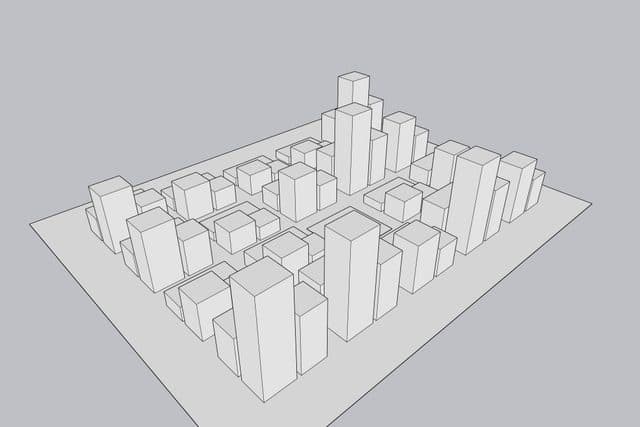
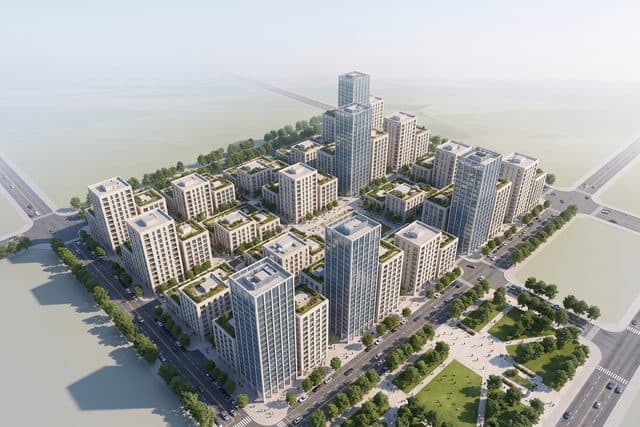
Aerial · masterplan
A daytime bird’s-eye view for masterplans and districts.
Pick the model for the job, pay per run
Lotuz Render runs on several image models. A model only goes live after it passes Lotuz’s quality check on real architectural images.
Pro — default
Highest detail and the most faithful to your architecture; 1K, 2K and 4K (4K for sources from 3,000 px).
More models — rolling out
Faster, cheaper or more detailed models are being tested; once they pass, they appear in the model list.
Paid in CR
1 CR ≈ 1 VND, and the price shows on the button before you press it. Failed or rejected runs are refunded automatically.
An assistant that reads the image, writes prompts and checks results
Free, 30 runs a day, no CR.
Writes render prompts
Reads your image, references and preset and writes a full render prompt with a short summary.
Composes area edits
Describe it in your own words — the assistant picks the action (change, add, remove, free), writes the prompt and flags a region that is too tight or too loose.
Reviews results
Looks at the before / after of an edit, points out what went wrong and suggests a new prompt you can apply in one tap.
Change, add, remove — only inside the area you mark
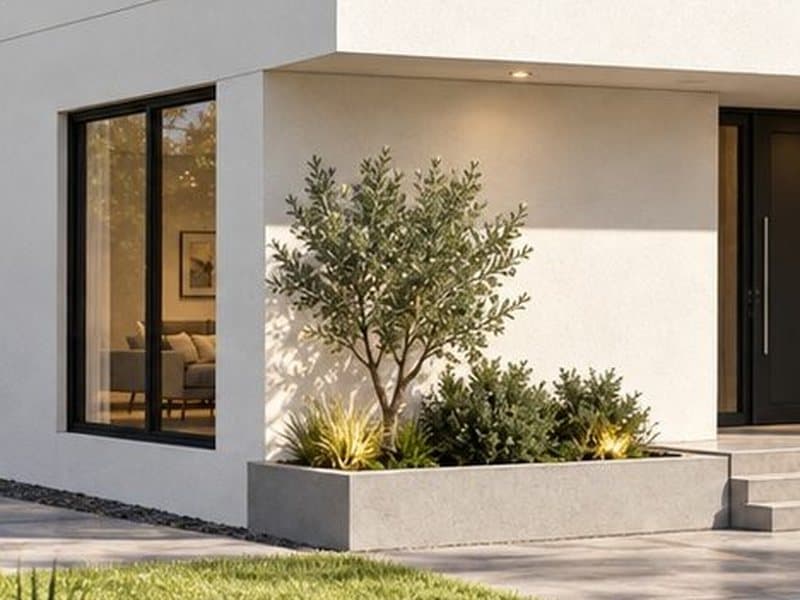
Mark the area with brush, lasso, box or object pick; choose one of 4 actions; type a prompt or tap a preset. Every pixel outside stays the same, and it is checked before you get the image.
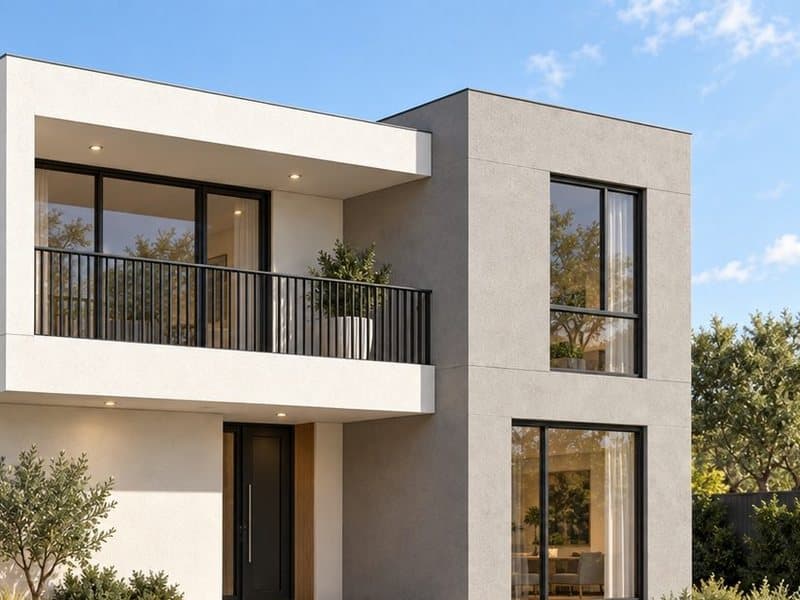
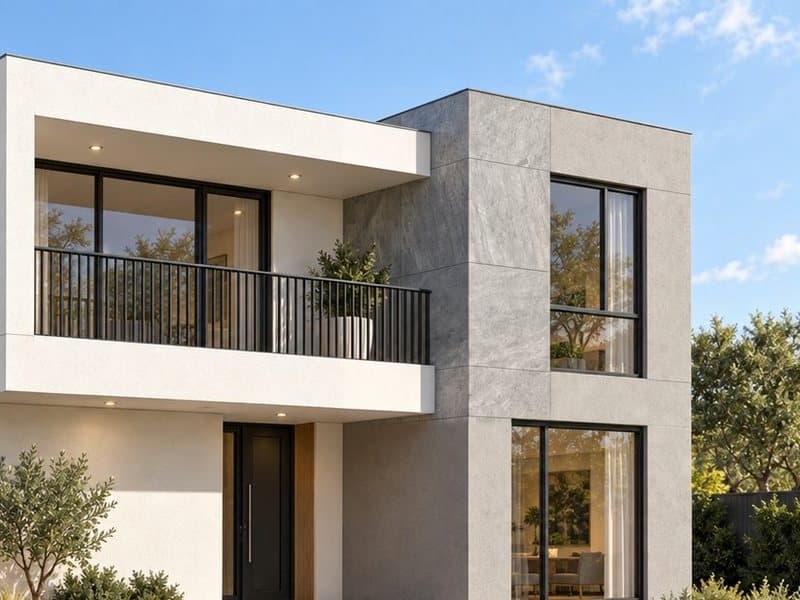
Change
Swap a material or colour, or put a different object in the same place.
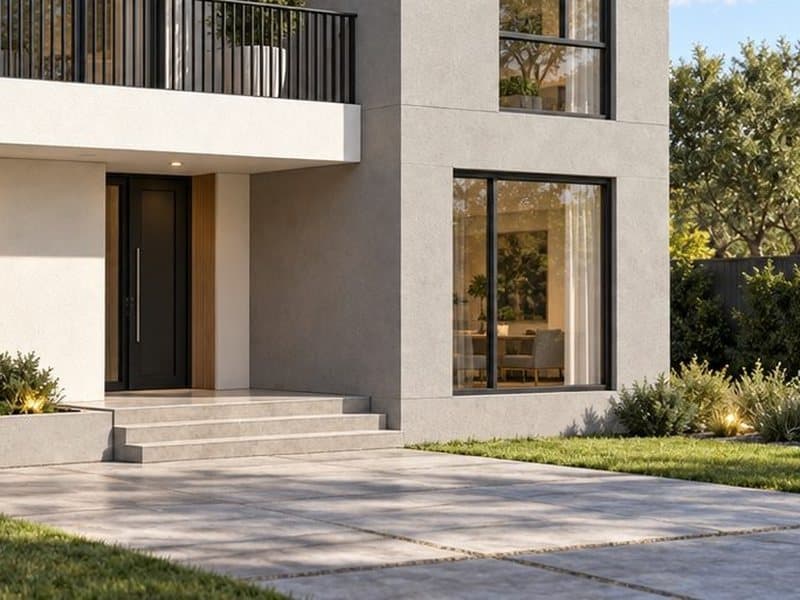
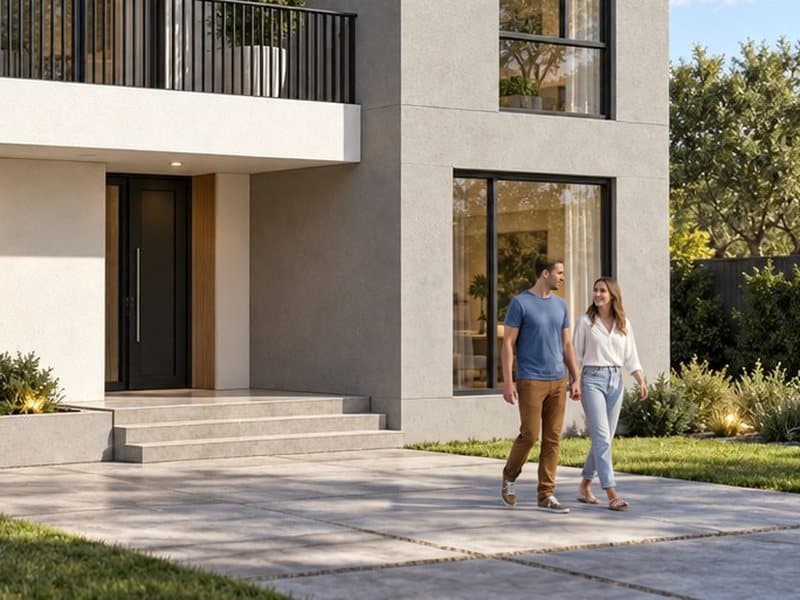
Add objects
Add people, plants, cars or furniture — at true scale, with shadows.
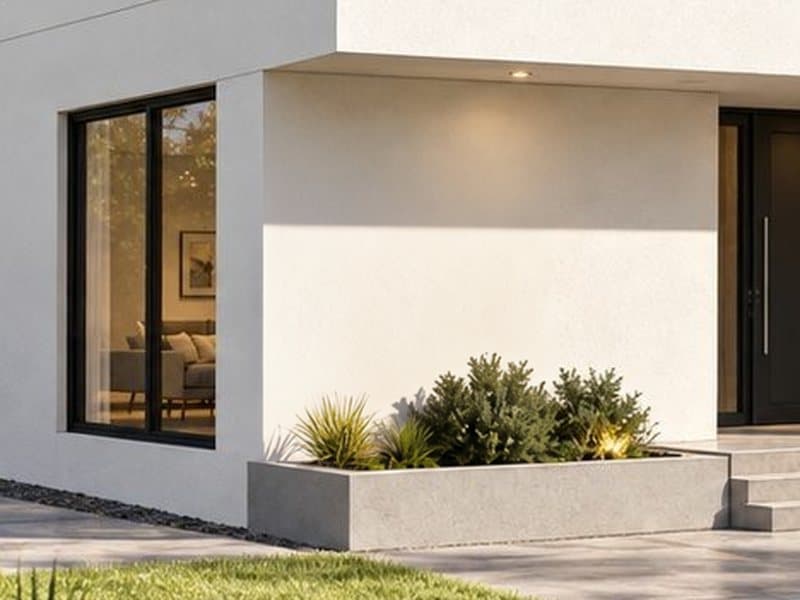
Remove objects
Take things out of the scene and rebuild what is behind them.
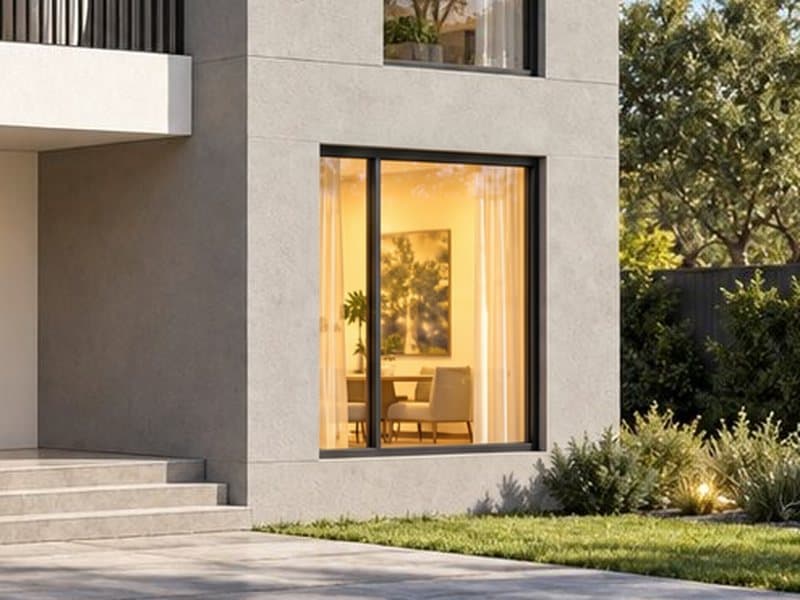
Free
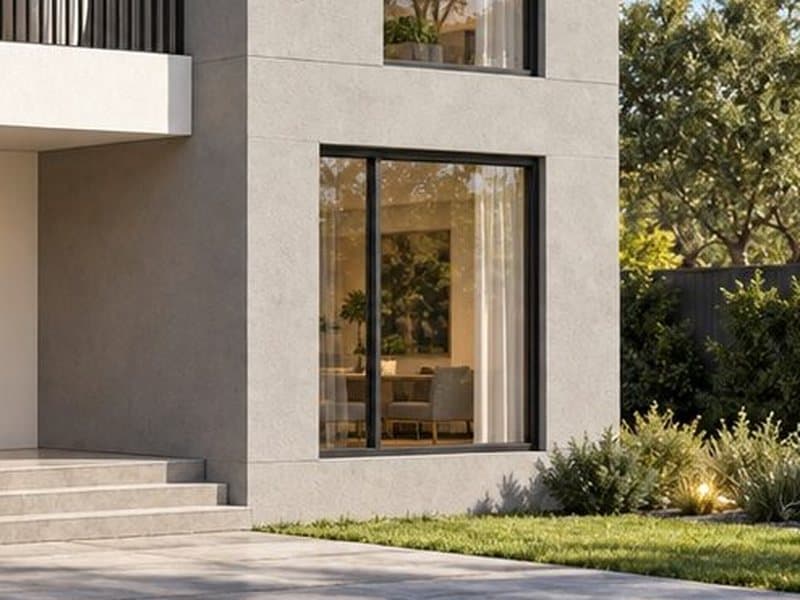
Write your own: lights on, a new sky, wet ground…
Nothing to install — on desktop and phone
Desktop and phone
A layout made for phones: pinch to zoom, paint regions with a finger, the Render button always at the bottom.
Version history
Every run is a branch in a version tree: view large, compare before / after or any two versions, label them, mark the final.
Render, then refine
Use a render as the base and edit areas on it; download the full-quality PNG when you are happy.
Render without leaving your modeller
Send the current view to Lotuz Render with one button and get the image back into your project — no exporting, no switching windows.
Lotuz for SketchUp
A Render AI button in the Lotuz panel: capture the current scene, open Lotuz Render inside SketchUp, save the result to your project folder or insert it into the model.
Lotuz for 3ds Max
Send a viewport or a draft render from 3ds Max to Lotuz Render to render and edit areas, with the result back in your project.
Need to go deeper? Lotuz for Photoshop
The Photoshop plugin is the in-depth tool for architectural visualisation: generate, relight and upscale inside the file you are working on, with more models and finer controls than the web app.
Try Lotuz Render on your own view
Sign in with your Lotuz account and top up CR when you need it — the AI assistant is free for 30 runs a day.