3 types
Models · materials · textures
Three tabs sharing one folder tree, one search box and one thumbnail view.
Browse models, materials and textures in one window. Thumbnails are packed into the folder itself, so the whole studio shares them.
Free, never expires. Create an account, then download the Lotuz installer.
Requires: SketchUp 2021.1+ · Windows
Models, materials and textures in one browser — shared over the studio drive.
Three tabs sharing one folder tree, one search box and one thumbnail view.
A real folder tree on disk — local drive or studio share.
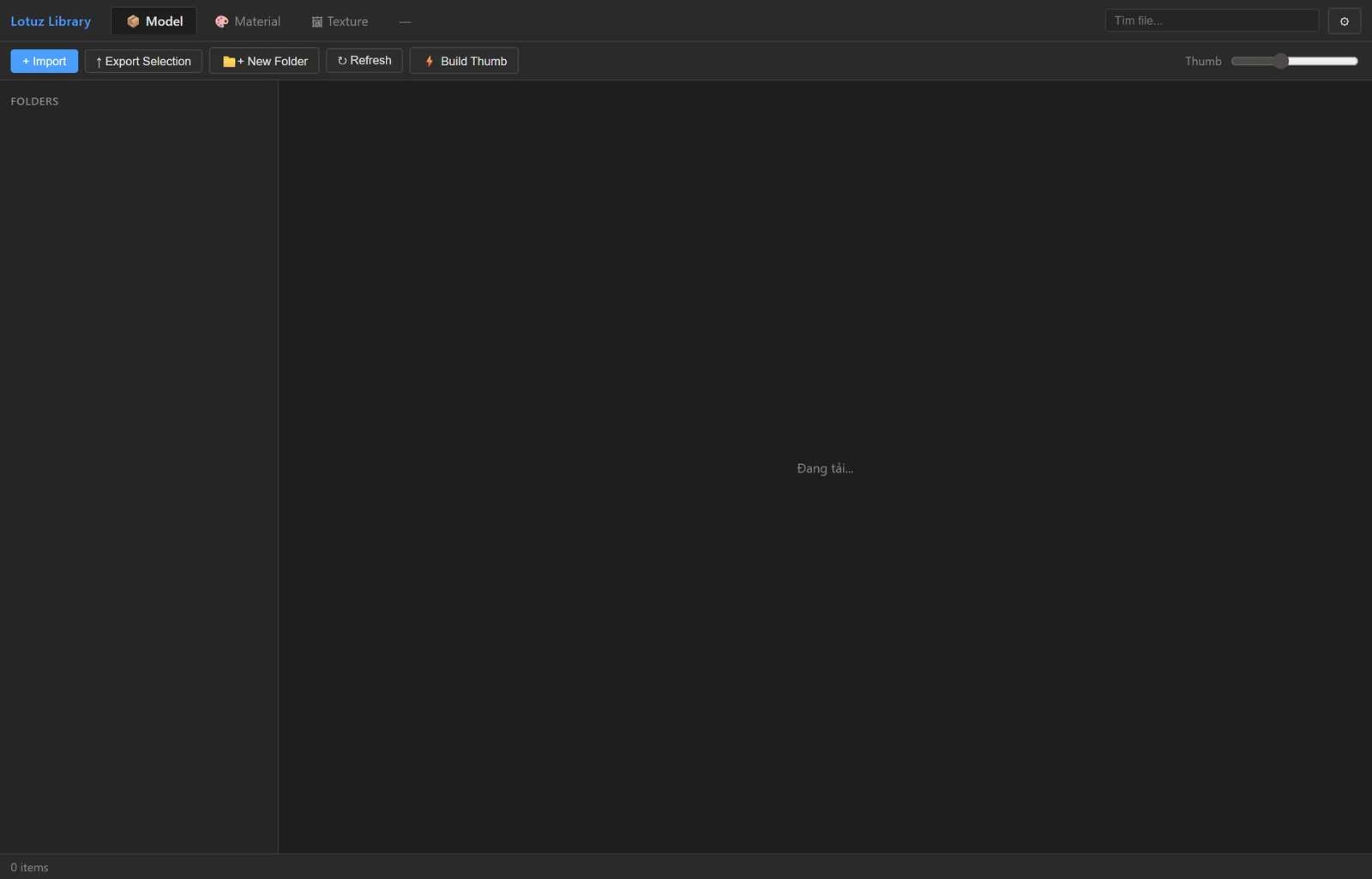
The Library Manager window (no folder selected yet)
Hit Build Thumb for a folder: a background job with progress and cancel, pack written in place.
The search box and the thumbnail-size slider sit on the title bar.
Three tabs sharing one folder tree, one search box and one thumbnail view.
A real folder tree on disk — local drive or studio share.
Hit Build Thumb for a folder: a background job with progress and cancel, pack written in place.
The search box and the thumbnail-size slider sit on the title bar.
No mock marketing UI — real SketchUp / 3ds Max / Photoshop panels from Lotuz workflows.
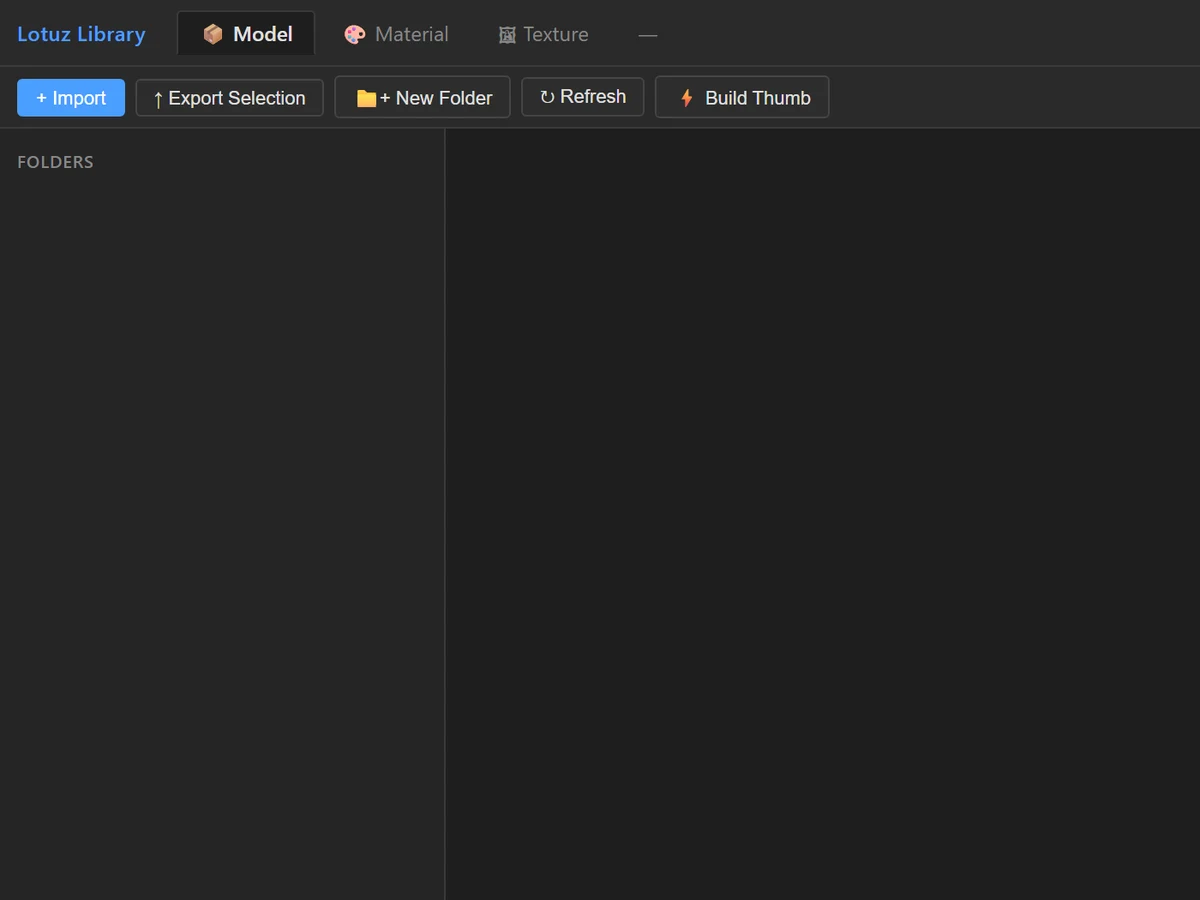
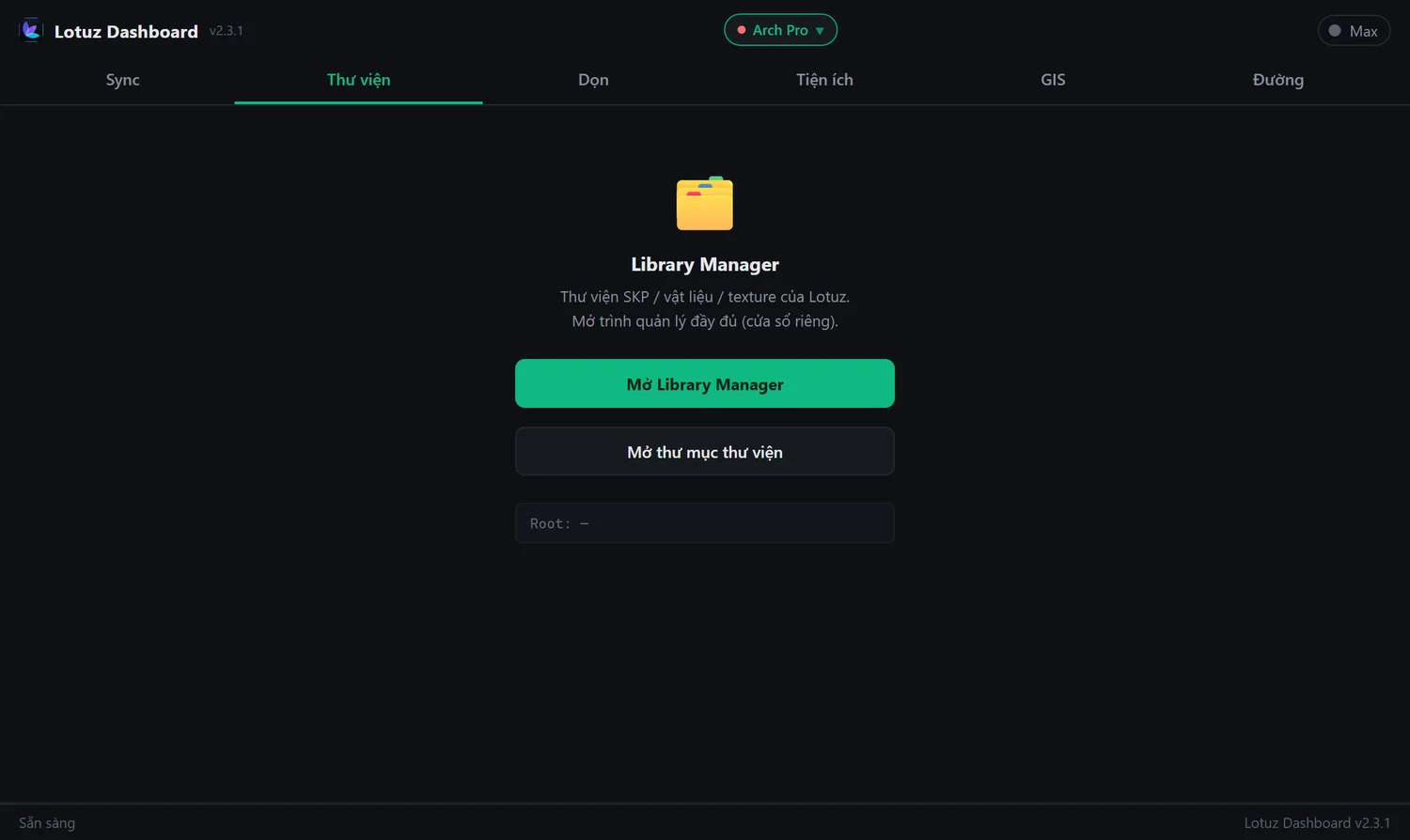
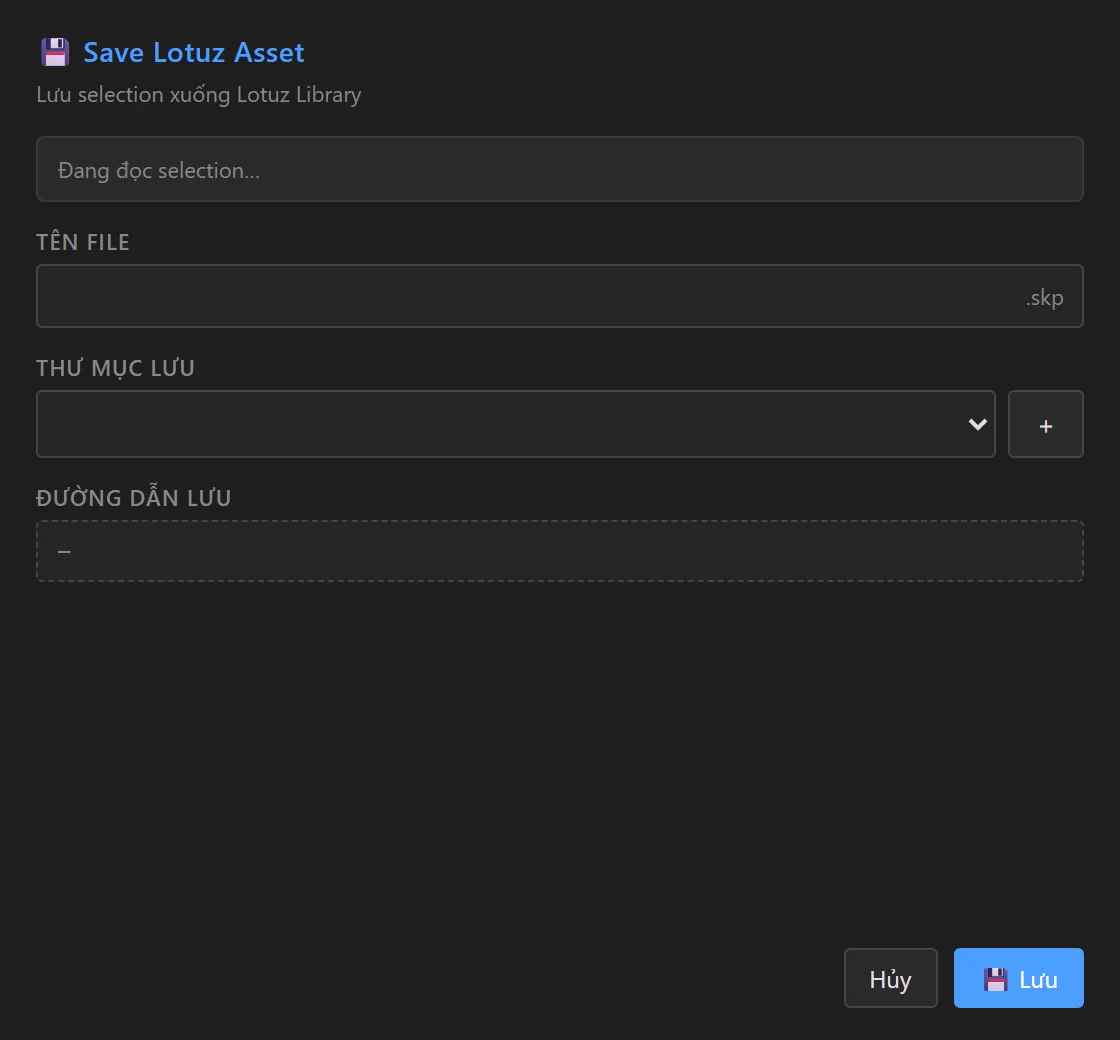
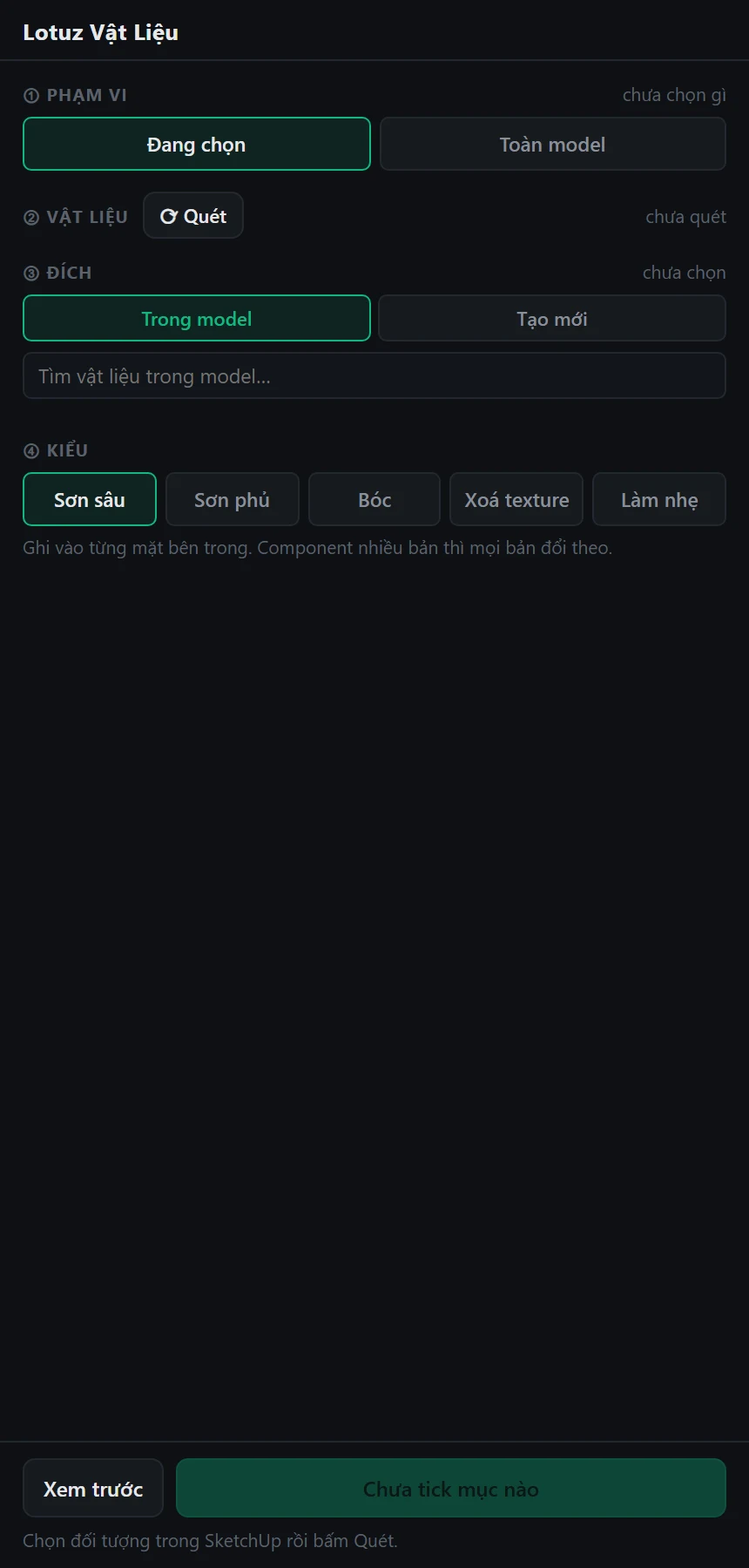
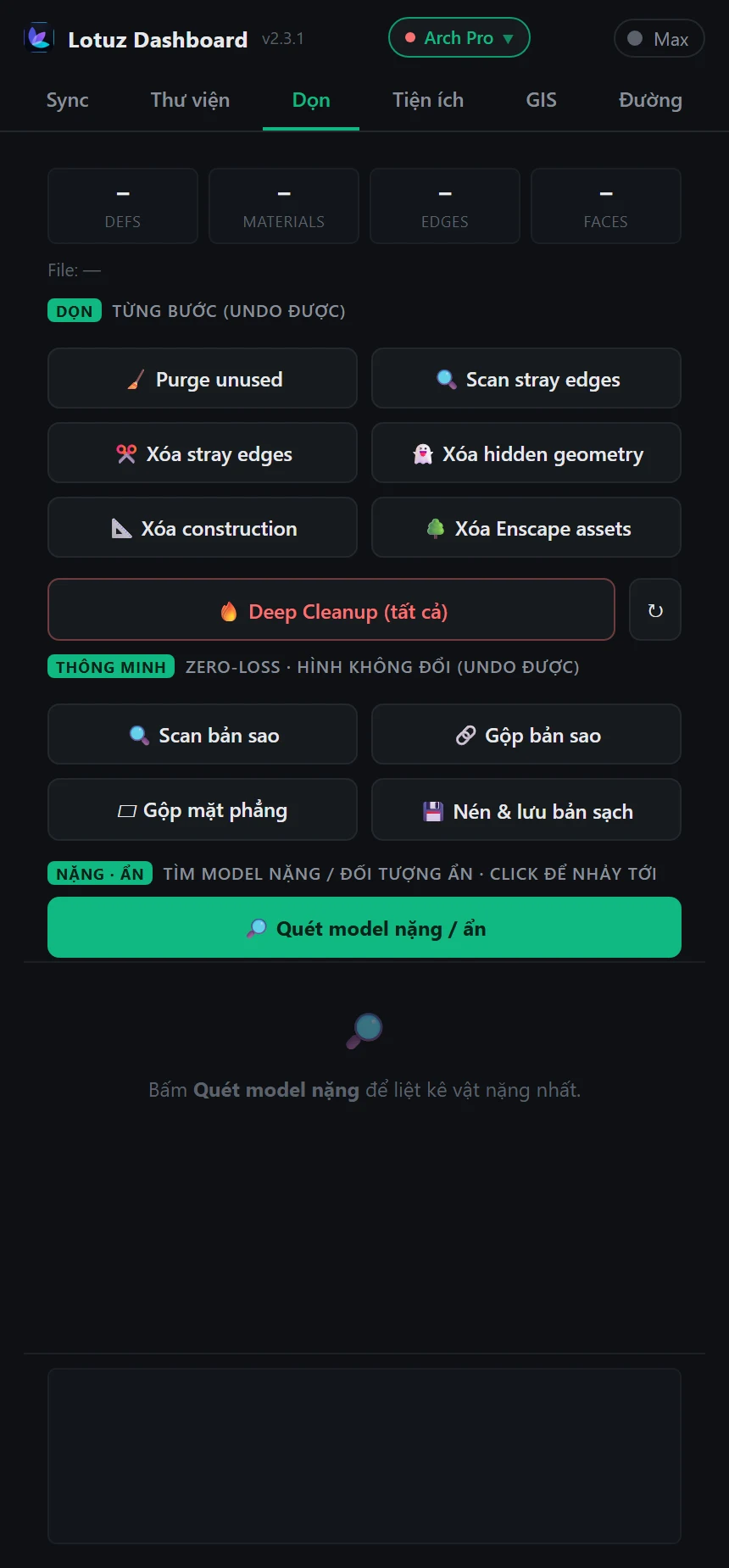
Reusable models scattered across drives. You need to see the thumbnail before inserting, instead of opening files to remember what they are.
Put the library on the NAS and point everyone at the same root. Thumbnails are packed into the folder itself, so whoever opens it sees them — no per-machine rebuild.
Browse, search by name, insert — and write a selection back into the library so you never model it twice.
.skm files and textures live in the same browser as models and drop straight into the scene.
Lotuz Dashboard → Library → Open Library Manager. A separate window, so it does not crowd the panel.
Pick your library folder — local disk or a studio network path. Models, materials and textures each have their own root.
Hit “Build Thumb” for the folders you use. It runs in the background with progress and a cancel button, and writes a pack into that folder.
Search by name, look at the thumbnails, insert a model or load a material or texture straight into the model.
“Export Selection” saves what you have selected as a .skp in the folder you choose — the library grows with the project.
Models, .skm materials and image textures get their own tabs but share the folder tree, the search box and the thumbnail view.
It prefers the thumbnail Windows already has; failing that it asks SketchUp to write the definition’s own image; only then does it render an isometric view. An unfamiliar folder still shows pictures.
The cache is `.lotuz_thumbs.idx` plus `.lotuz_thumbs.pack`, written into the library folder itself and keyed by file name. Rename or move the folder and the pack travels with it.
Thumbnails are fetched in batches: open the pack once, then seek to each image. That is the difference between smooth browsing and stuttering over a network share.
A .skm file is a zip archive; the tool pulls the embedded preview, or the sidecar image next to it, and scales it to 256 px.
Create, rename, move, delete, reveal in Explorer — every action goes to the file system. There is no separate index to corrupt or drift out of sync.
Yes — that is the main case it was built for. The thumbnail pack sits next to the files on the share, so every machine sees it immediately.
A folder without a pack has to generate each thumbnail on the spot. Press “Build Thumb” once for that folder and later visits read straight from the pack.
Only when you ask it to: rename, move and delete are real operations on disk. Browsing and inserting are read-only.
No. This release is browsing, name search, previews, insert and write-back. We do not advertise features that are not there.
No. Library is in the free tier with Clean and Utilities.
Free, never expires. Create an account, then download the Lotuz installer.
Hands-on tutorials written by the Lotuz team for architects and visualizers — free to read, no account needed. (In Vietnamese.)
Courses:SketchUpCorona · 3ds MaxD5 RenderBlenderBrowse the whole Community →
AI for Photoshop
Generate, relight and upscale with AI without leaving your open document. 17 models, 118 architecture prompts.
Learn more →Render and edit architectural images on the web
Upload a SketchUp view, pick a preset and press Render — the result keeps your massing and camera. Not happy with one spot? Mark it to change, add or remove, and nothing else moves.
Learn more →SketchUp to 3ds Max sync
Native geometry transfer between apps — no FBX, no axis flips, no broken texture paths.
Learn more →SketchUp to Blender — early build
Live link from SketchUp to Blender, carrying materials, camera and sun direction. Install the add-on for Blender 4.2 or newer and enable it in Preferences › Add-ons. Early build, still being finished.
Learn more →Urban context and terrain inside SketchUp
Frame an area on the map and get building blocks, roads at real widths, green areas and terrain — each layer on its own tag.
Learn more →Roads, junctions and markings in SketchUp
Draw an alignment and build the carriageway to one of fifteen standard sections, with curb-return junctions, QCVN 41:2019 markings and terrain following.
Learn more →Lay curbs and edging along a path
Pick a profile and run it along a path: curbs, planter edging, gutters. A library of ready-made profiles is included.
Learn more →Parametric doors, windows and curtain walls
Build doors, windows and curtain walls from parameters inside SketchUp, in the Doors / Curtain wall tab of the Lotuz Dashboard.
Learn more →Clean up SketchUp files — free
Eleven controlled cleaning commands, each undoable on its own. Find the heavy objects, merge duplicates without changing shapes, then write a compacted copy.
Learn more →Massing and apartment layout — free
Block out a building, split a typical floor into apartments and read planning figures right inside SketchUp. Free, no expiry.
Learn more →Block · Remove · Manage · Add SketchUp plugins
One place to control extensions: toggle, block conflicts, uninstall broken plugins, install more, and review hotfixes — free with Lotuz.
Learn more →Use Claude with SketchUp
Let Claude or Codex drive SketchUp over the MCP protocol. Still being finished, opening soon.
Learn more →