Gen
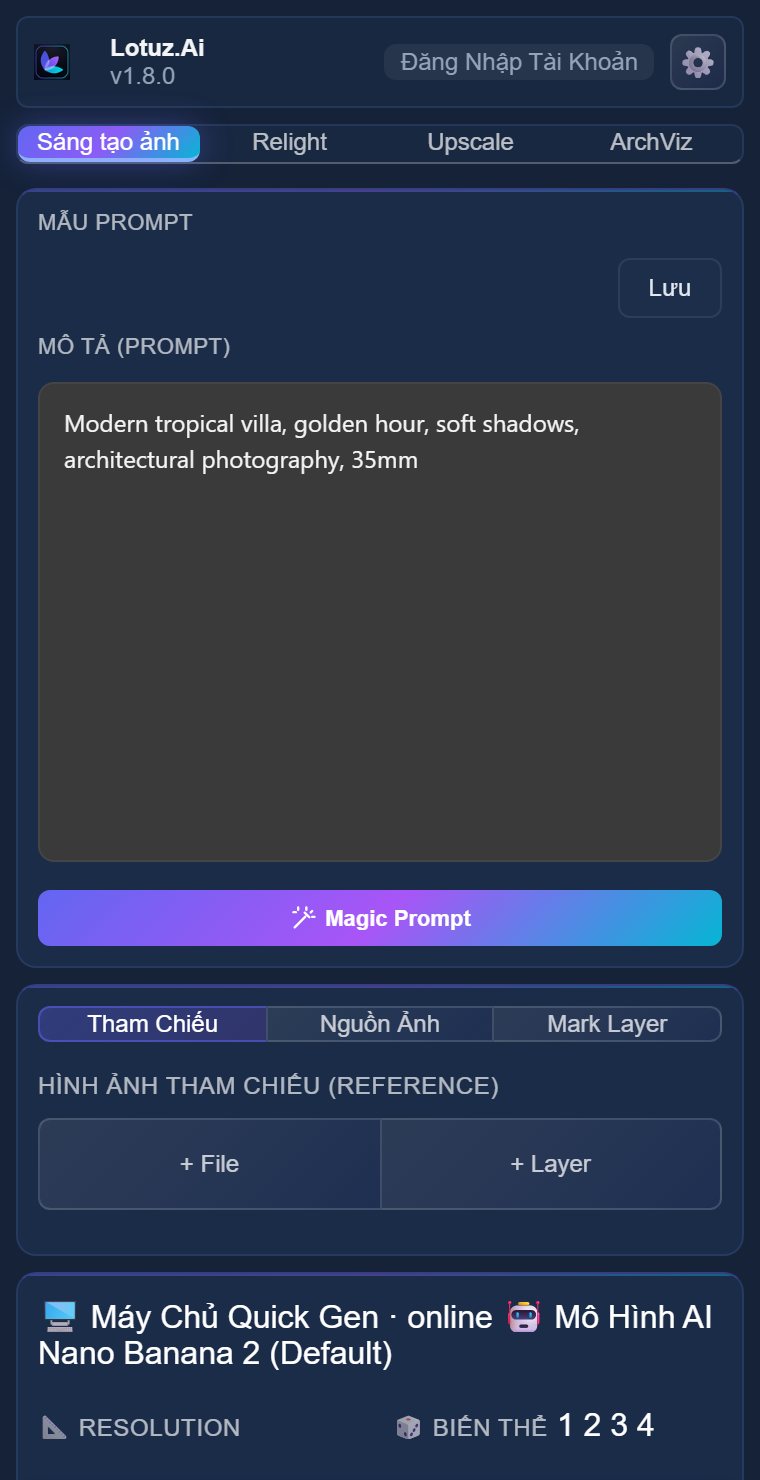
Generate panel
Real UI: model, resolution, CR price before run.
Sáng tạo ảnh không giới hạn trong Photoshop — plugin tích hợp 17 mô hình AI hàng đầu, 118 prompts tạo sẵn, upscale lên 16x. Giải pháp toàn diện cho kiến trúc sư, designer và studio sáng tạo.
One plan covers Photoshop, Render on the web and the Render button in SketchUp. CR is charged at cost; top up when you run low.
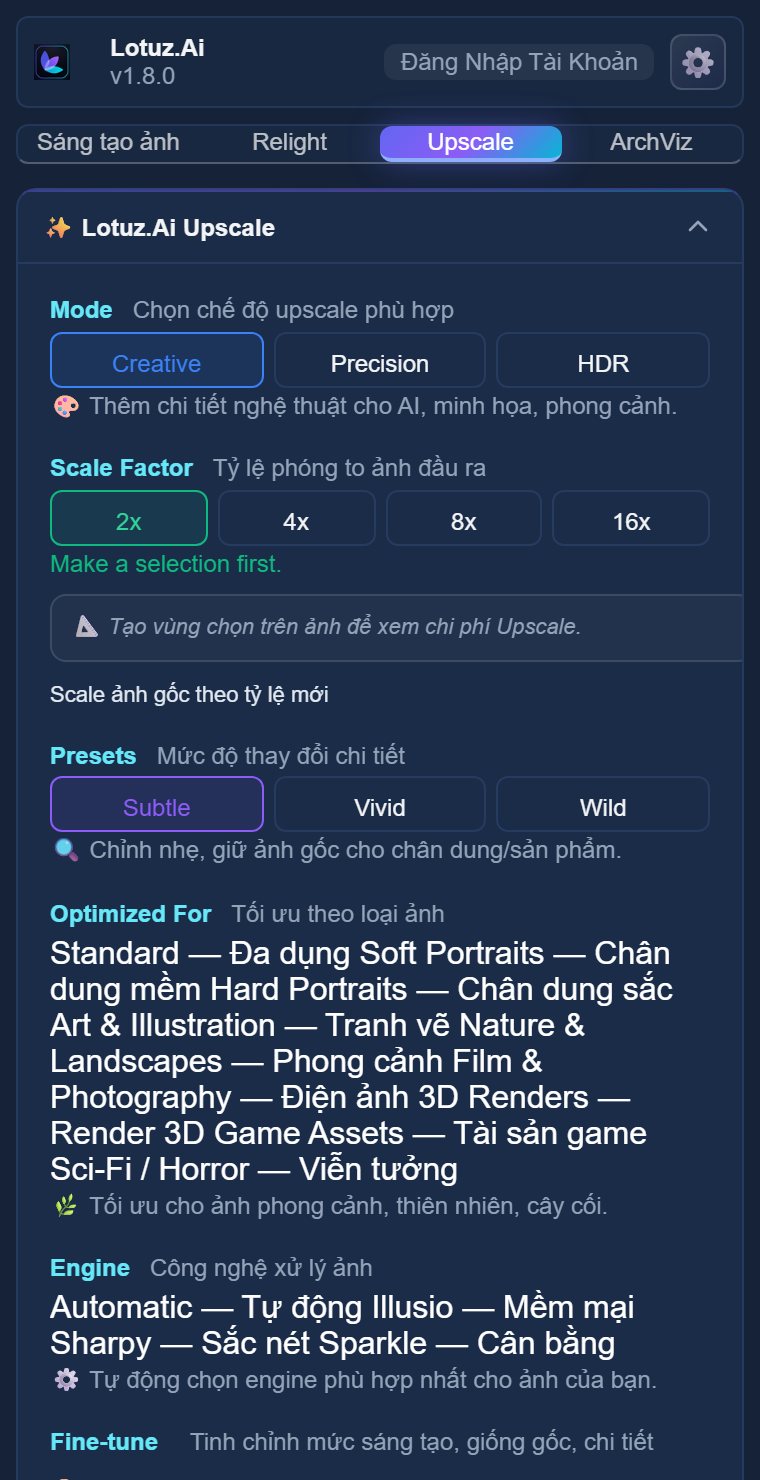
Generate & Upscale panels from the shipped Lotuz.AI plugin.
Real UI: model, resolution, CR price before run.
Architecture-aware suggestions from the open image.
Production docs-images / features assets
Production panel capture.
Real before/after feature assets.
Real UI: model, resolution, CR price before run.
Architecture-aware suggestions from the open image.
Production panel capture.
Real before/after feature assets.
No mock marketing UI — real SketchUp / 3ds Max / Photoshop panels from Lotuz workflows.
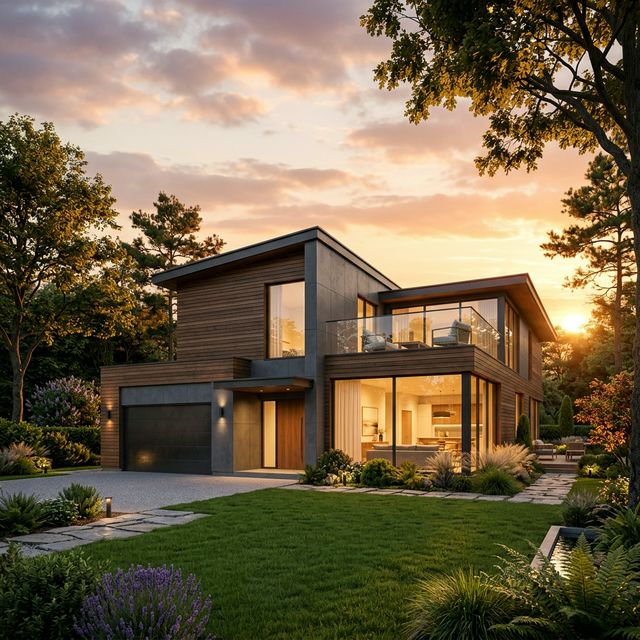
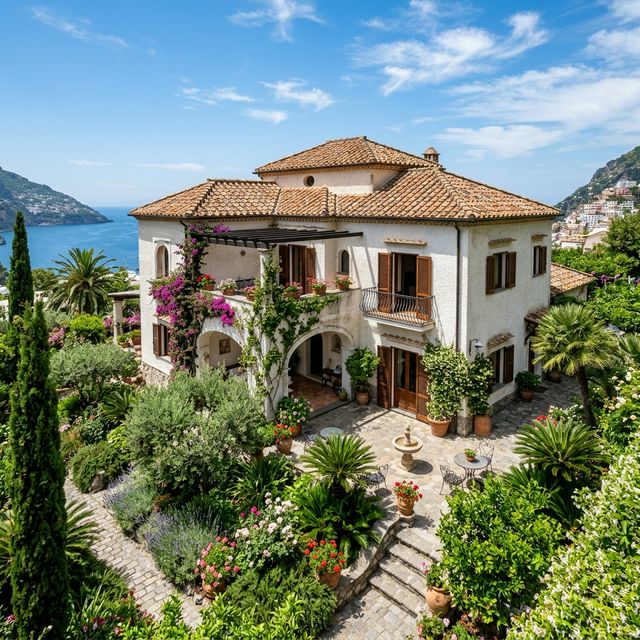
Need 5–20 concept options weekly without 2-hour Corona per still.
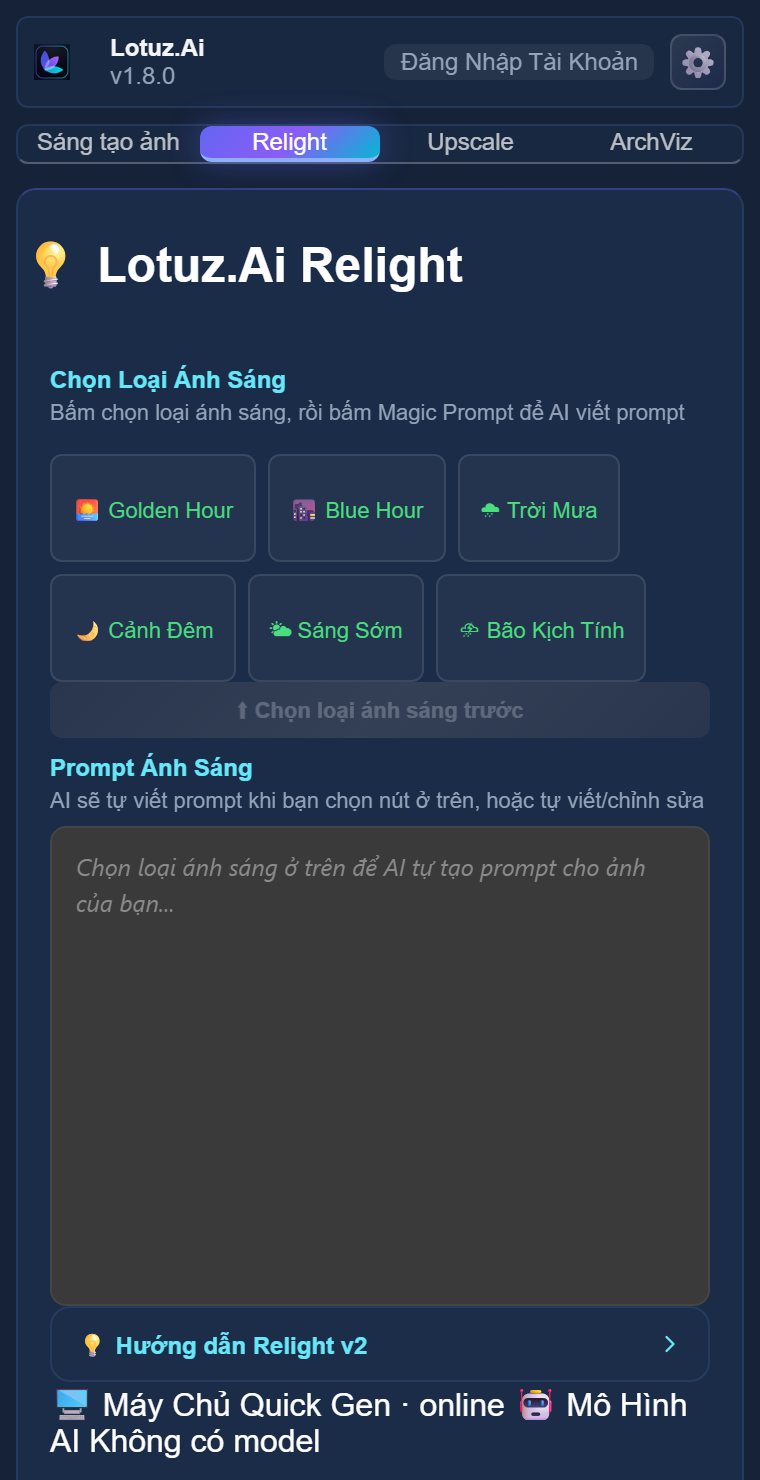
Upscale + relight existing shots for ads and print.
CR at exact cost: pay per image instead of separate AI subscriptions.
Drop Lotuz.AI into Photoshop Plug-ins. Sign in with dashboard plugin password.
Quick / Pro / Chip / Ultra — each server has its own models; the CR price shows before you generate.
Magic Prompt reads the open image → 3 suggestions. Output on new layers.
Near-final stills → 2×–16× upscale or relight. Export web/print.
In-plugin CR pricing by 1K/2K/4K, updated server-side without reinstalling.
AI analyses the image → VI/EN description + 3 prompt suggestions.
Real production panel capture with tiers and tips.
Creative Image plan + CR at exact cost (1 CR = 1 VND). VietQR top-up via dashboard / checkout.
One concurrent machine. Unlink from web dashboard when switching PCs.
Sign-up is free and new accounts get a short trial with bonus CR. Topping up more CR needs an active Creative Image plan (1 CR = 1 VND, at exact cost).
Generate and upscale run on Lotuz cloud. Optional Local Vision (:3848) is separate.
UXP plugin, min PS 23.3+. PS 2024/2025 recommended.
AI writes new layers/smart objects — originals stay unless you merge manually.
Xem cách kiến trúc sư dùng Lotuz AI ngay trong Photoshop — không cần phần mềm 3D, không cần GPU mạnh.
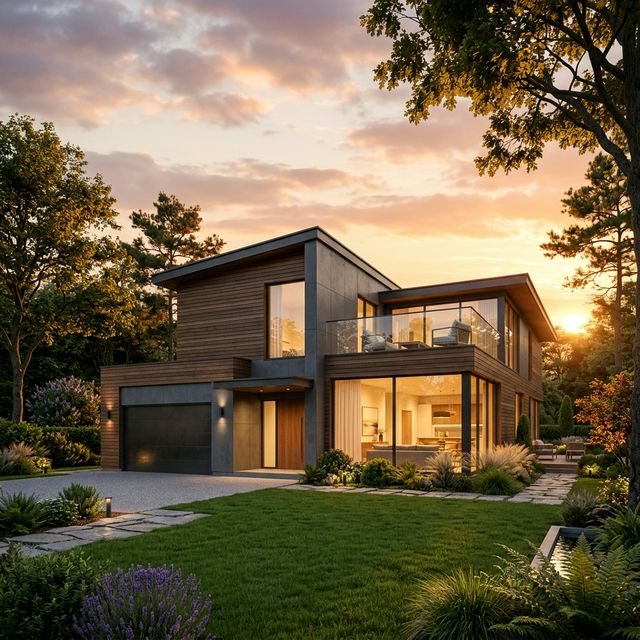
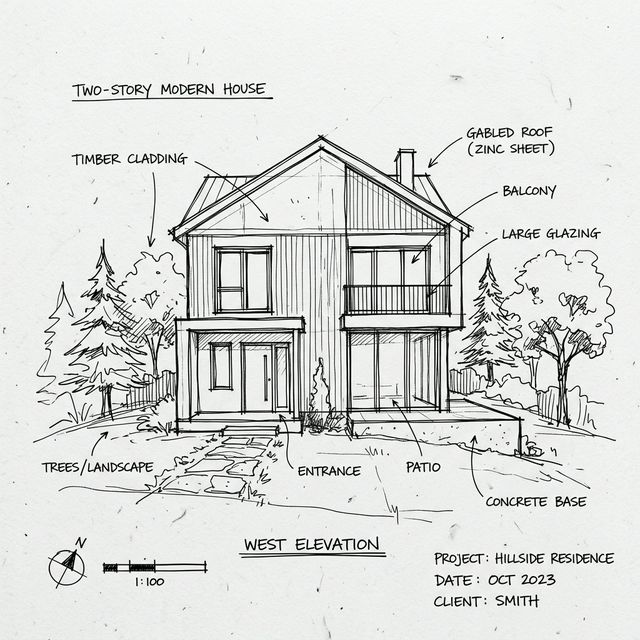
Sketch tay, Google Maps, nền 3D thô → AI biến thành render chuyên nghiệp. Thử nhanh nhiều phương án concept mà không cần phần mềm 3D.
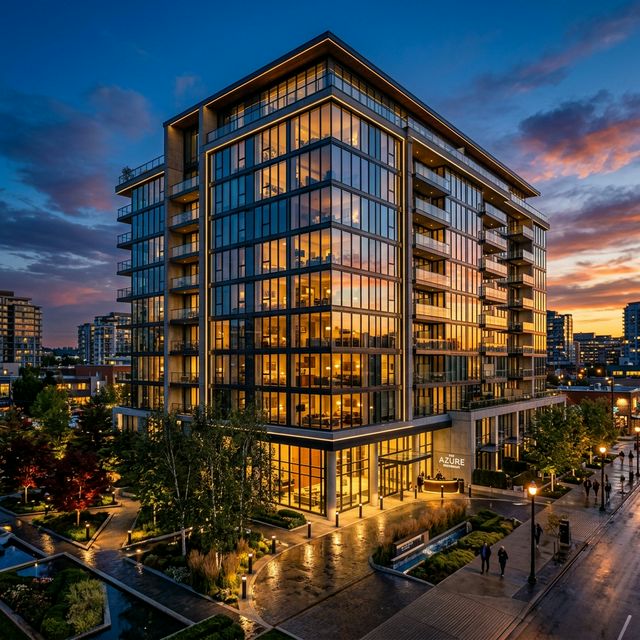
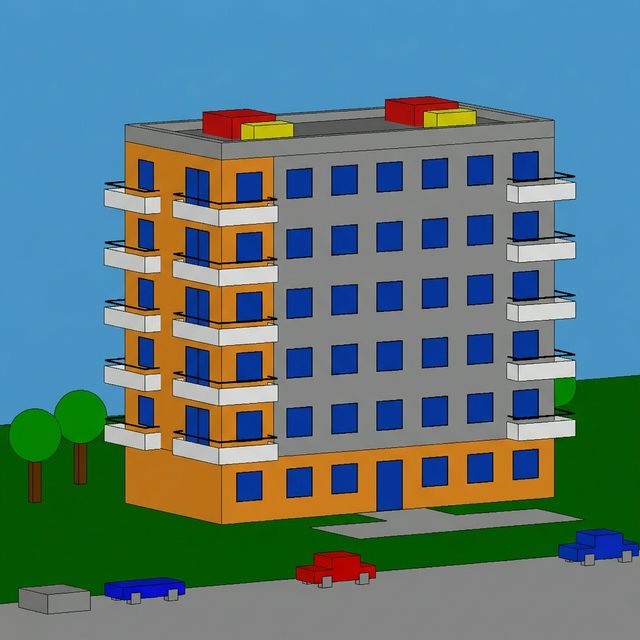
Mỗi model tối ưu cho một mục tiêu: tạo nhanh, tạo đẹp, giữ cấu trúc, upscale. Chọn đúng model = ra đúng kết quả.
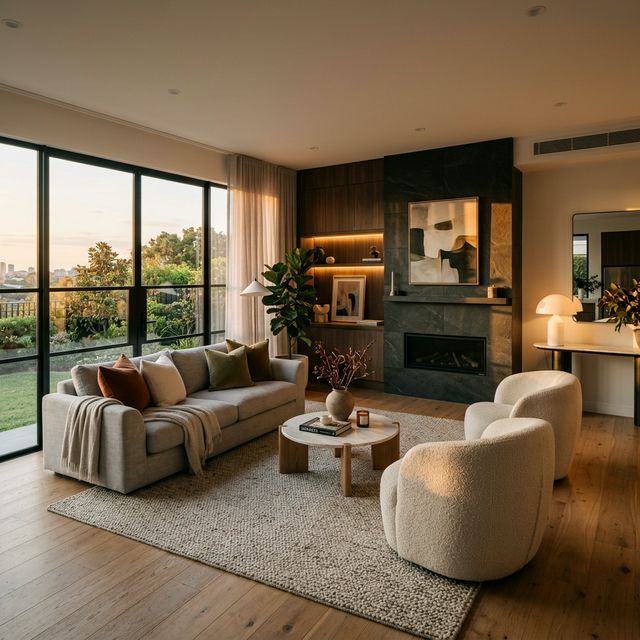
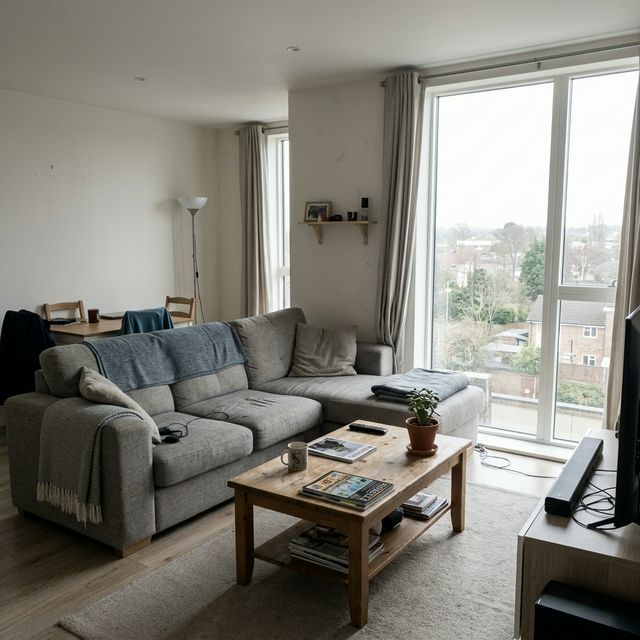
Khoanh vùng → AI vẽ lại đúng khu vực đó. Ghép đối tượng, xóa nền, thay vật liệu, relight — tất cả trên layer riêng.
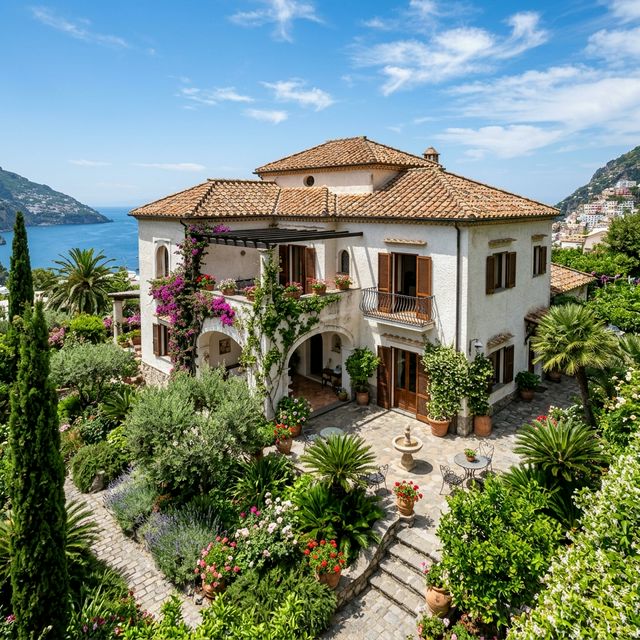
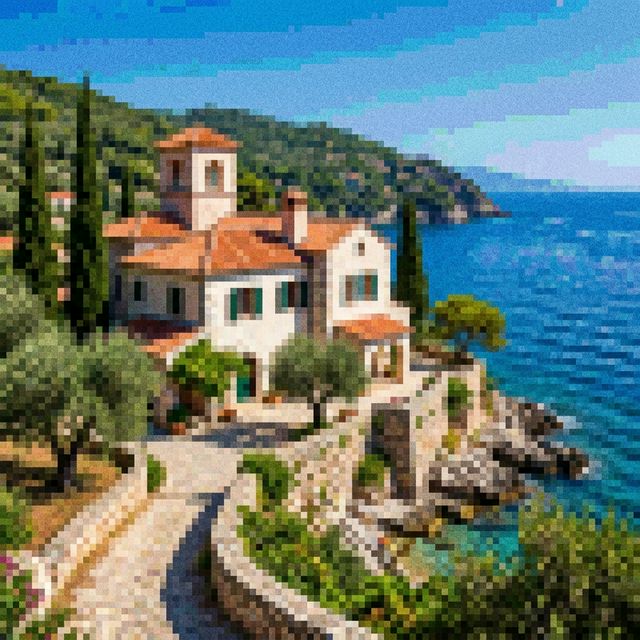
Nâng độ phân giải lên 10K+, tăng chi tiết mạnh mẽ cho in ấn, trình chiếu, hồ sơ chuyên nghiệp — chi phí tối ưu hơn nhiều.
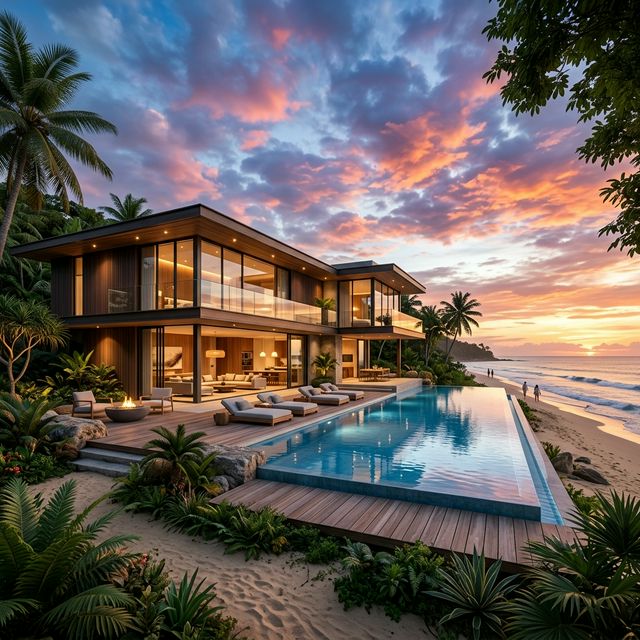
118 prompt kiến trúc có sẵn + AI phân tích ảnh tự động gợi ý prompt tối ưu. Tiết kiệm thời gian, nâng cao chất lượng output.
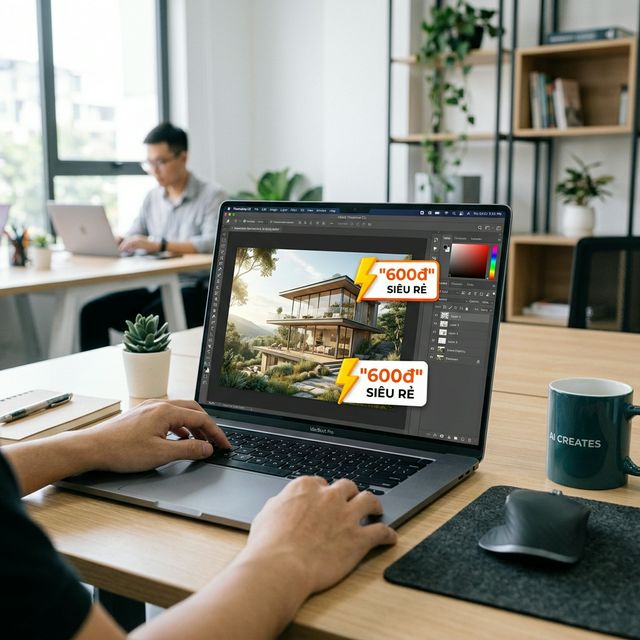
A Creative Image plan with bonus CR, top up when you run low, 1 CR = 1 VND. Weak machines are fine — everything runs in the cloud. Far cheaper than hiring a renderer.
Lotuz.AI được tổ chức thành 3 nhóm công cụ chính để phục vụ trọn vẹn workflow kiến trúc ngay trong Photoshop.
Biến ảnh vệ tinh, nền 3D thô thành hình ảnh chân thực.
Tạo phối cảnh birdview cho đồ án quy hoạch.
Chuyển sketch tay thành render có ánh sáng, vật liệu.
Sinh thêm góc máy từ một ảnh gốc để thử nghiệm.
Thử style hiện đại, tropical, cinematic, luxury.
Đổi từ nắng sang mưa, trưa sang chiều tà.
AI phân tích ảnh và gợi ý prompt tốt hơn.
Khoanh vùng → AI vẽ lại đúng khu vực đó.
Thêm cây xanh, người, xe cộ, nội thất tự nhiên.
Xóa vật thể thừa, tách nền, thay hậu cảnh mới.
Thử nhanh kính, gỗ, đá, bê tông, gạch, kim loại.
Tạo texture PBR từ ảnh thực tế cho rendering.
Nghiên cứu ánh sáng: ngày, đêm, cinematic mood.
Mở rộng khung hình, thêm bối cảnh xung quanh.
Nâng cấp nhân vật 3D, thay đổi gương mặt, thần thái.
Lotuz Enhance Upscale — 3 chế độ, nâng độ phân giải lên 10K+.
Nhiều model cho từng mục tiêu: nhanh, đẹp, chính xác.
Dùng reference, layer, mask để kết quả bám sát ý đồ.
Layer Masks, Blend Modes, Curves, Smart Objects — tất cả công cụ editing chuyên nghiệp đã có sẵn trong Photoshop. Lotuz AI bổ sung sức mạnh AI, bạn giữ toàn quyền kiểm soát.
Trả đúng theo độ phân giải — 1K, 2K hoặc 4K. Model rẻ nhất xếp trước, không phí ẩn.
| Model | 1K | 2K | 4K |
|---|---|---|---|
Seedream 5.0 FlashUltra GenCheapest | 427 CR | 427 CR | — |
Nano Banana 2.1Ultra GenRecommended | 527 CR | 791 CR | 1,186 CR |
Grok Image 2.0Ultra Gen | 527 CR | — | — |
Qwen Image 2.1Ultra Gen | 527 CR | 1,054 CR | — |
Wan 2.7 EditUltra GenRecommended | 633 CR | 633 CR | — |
Flux 2 ProUltra Gen | 659 CR | 923 CR | — |
Flux Kontext ProUltra Gen | 659 CR | — | — |
Qwen 2.0Ultra Gen | 738 CR | — | — |
GPT Image 2.0Ultra Gen | 791 CR | 1,318 CR | 2,108 CR |
Seedream 4.5Ultra Gen | 857 CR | — | — |
Seedream 5.0 ProUltra Gen | 923 CR | 1,845 CR | — |
Nano Banana 2.0Ultra Gen | 1,054 CR | 1,581 CR | 2,372 CR |
Flux Kontext MaxUltra Gen | 1,318 CR | — | — |
Wan 2.7 Edit ProUltra Gen | 1,581 CR | 1,581 CR | — |
Flux 2 FlexUltra Gen | 1,845 CR | 3,162 CR | — |
Nano Banana ProUltra Gen | 2,372 CR | 2,372 CR | 3,162 CR |
Tải file từ Dashboard, giải nén vào thư mục Plug-ins của Photoshop.
Create an account with Google in 10 seconds — new accounts get a 7-day trial with 10,000 CR. For longer use, buy a Creative Image plan and top up CR when you run low (minimum 50,000 VND). No international card needed.
Nhập email + mật khẩu trong plugin → Bấm "Kích hoạt máy này".
Chọn model, nhập prompt hoặc dùng thư viện mẫu → Bấm "Tạo ảnh".
Creative Image plan
Creative Image plan
7-day trial + 10,000 CR when you sign up Create account
CR is charged at the provider's cost. When you run low, top up (minimum 50,000 VND) while your plan is still valid.
Tạo tài khoản trong 10 giây bằng Google. Không cần thẻ tín dụng, không ràng buộc.
Hands-on tutorials written by the Lotuz team for architects and visualizers — free to read, no account needed. (In Vietnamese.)
Courses:SketchUpCorona · 3ds MaxD5 RenderBlenderBrowse the whole Community →
Tham gia cùng hàng trăm kiến trúc sư, designer đang sử dụng Lotuz AI mỗi ngày.