Render & edit online
Upload a SketchUp view (or send it straight from the plugin), pick a preset and get a photoreal render that keeps your massing and camera. Not happy with one spot? Mark that area and edit only it — every other pixel stays the same.
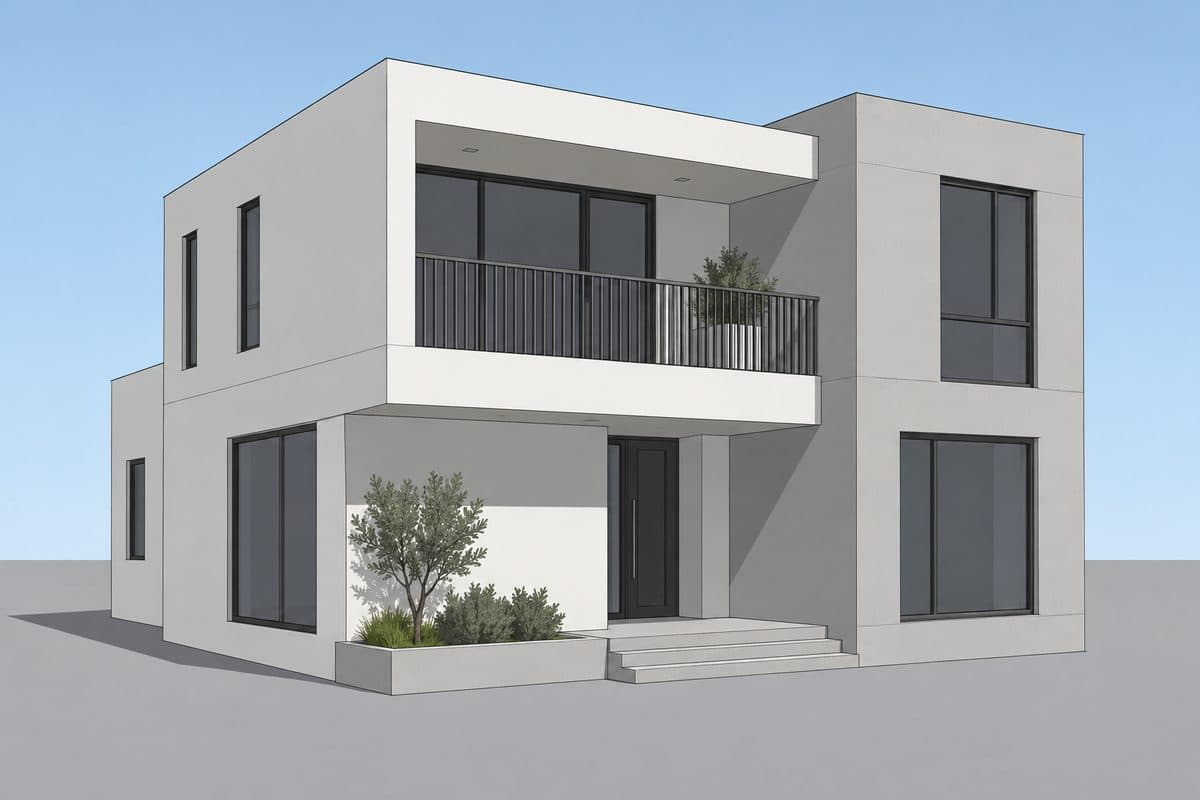
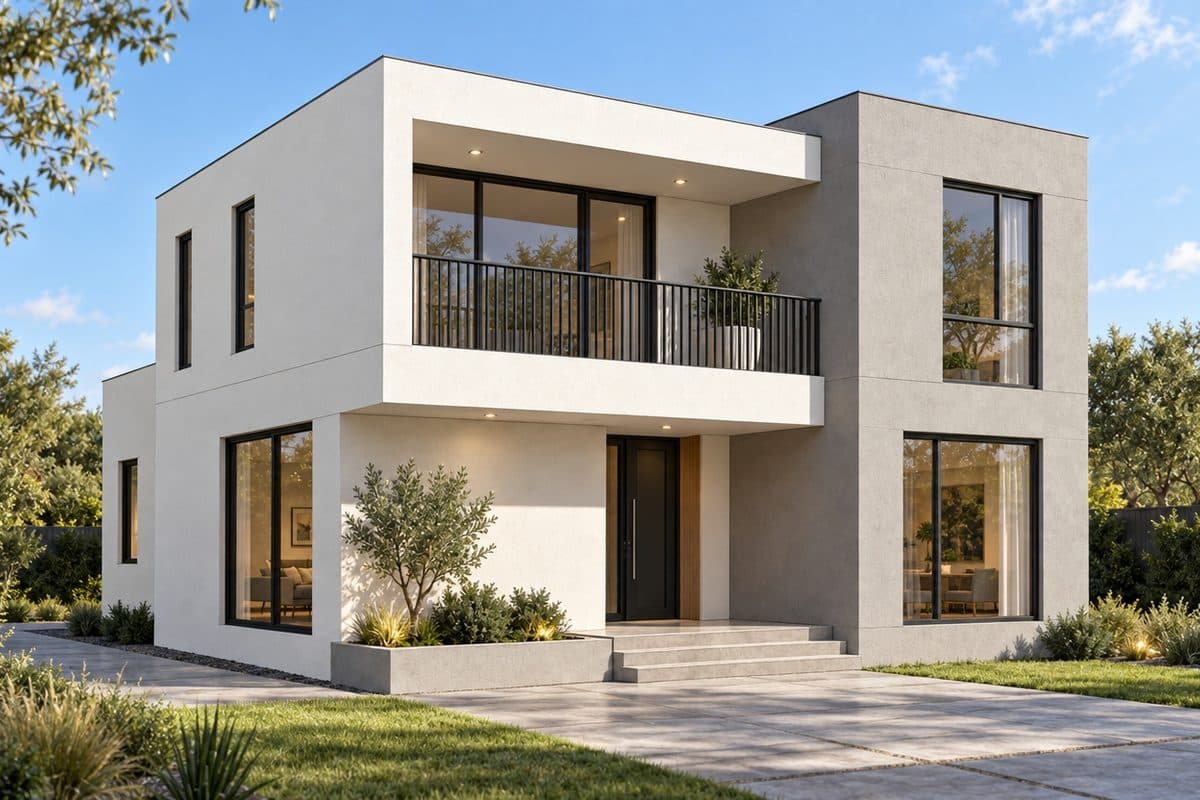
Drag the handle to compare the raw SketchUp view with the render made from it.
Then edit one area at a time — 4 actions, one prompt
Mark the area, choose what to do, type a prompt or tap a preset. The images below are real results.
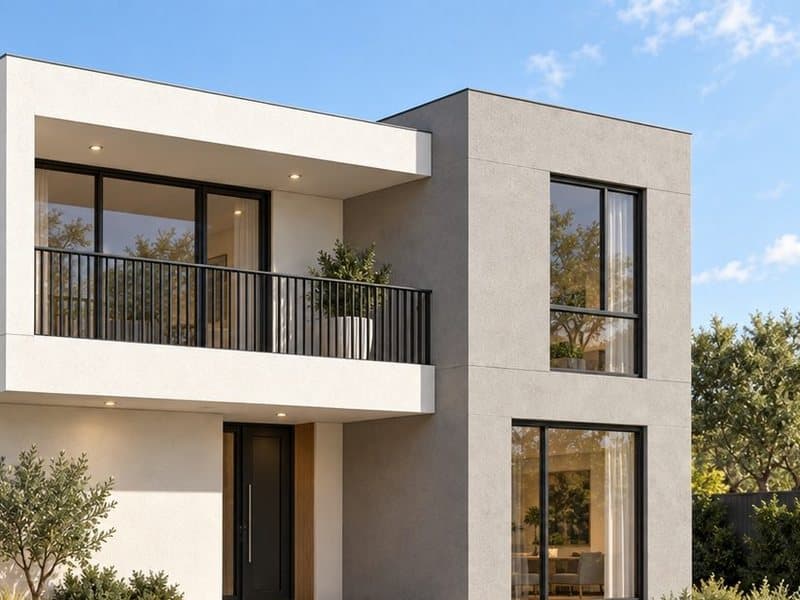
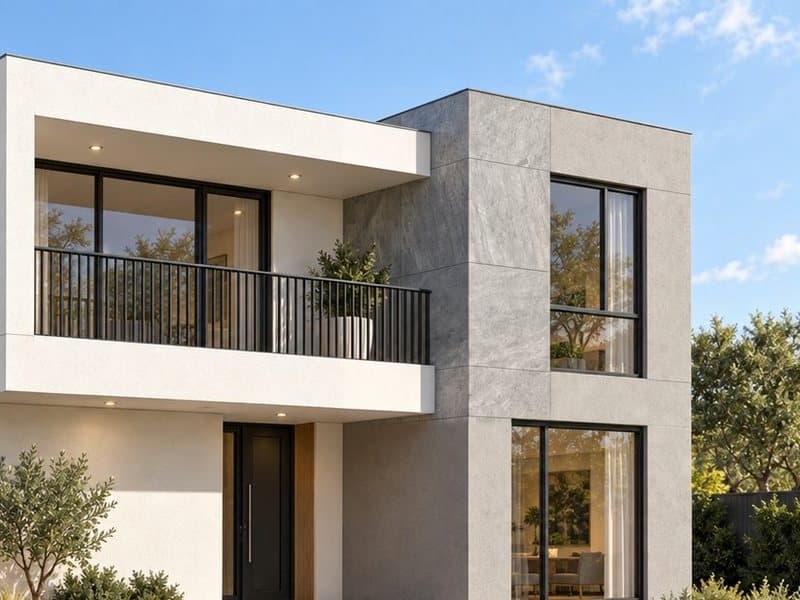
Change
Swap a material or colour, or put a different object in the same place.
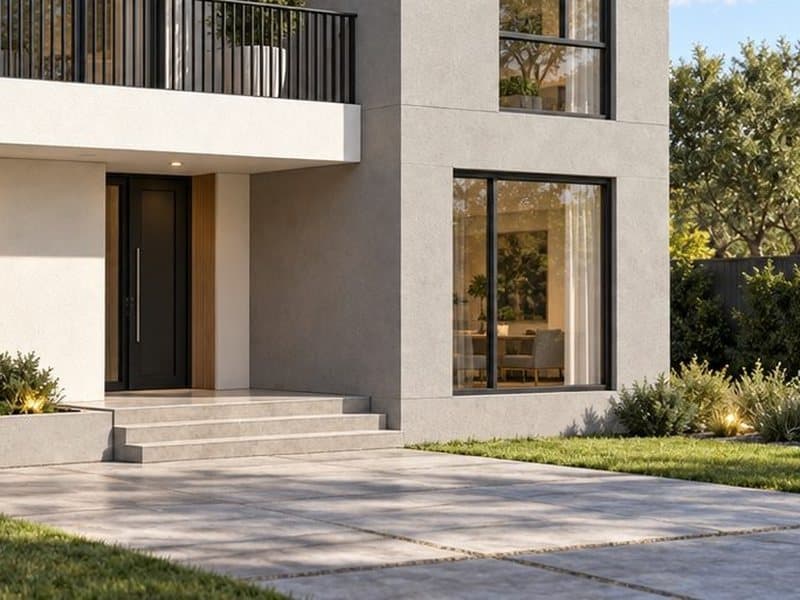
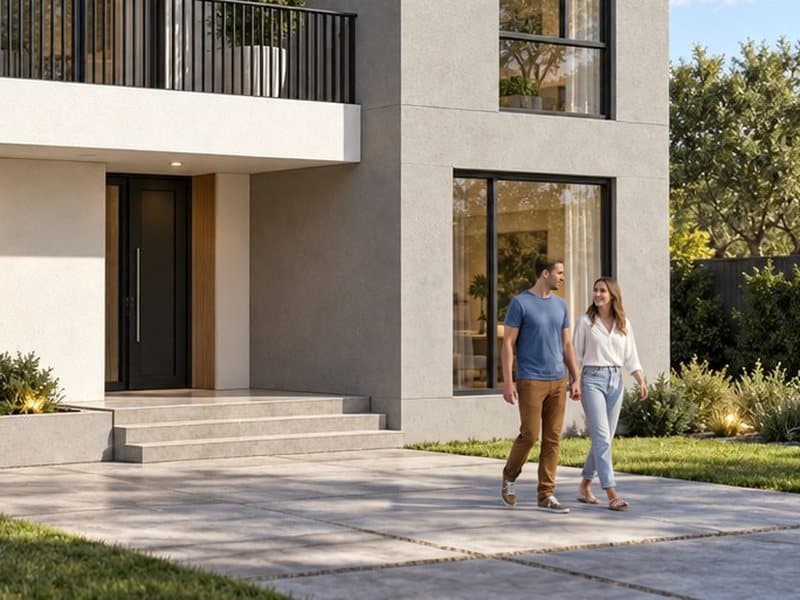
Add
Add people, plants, cars or furniture — at true scale, with shadows.
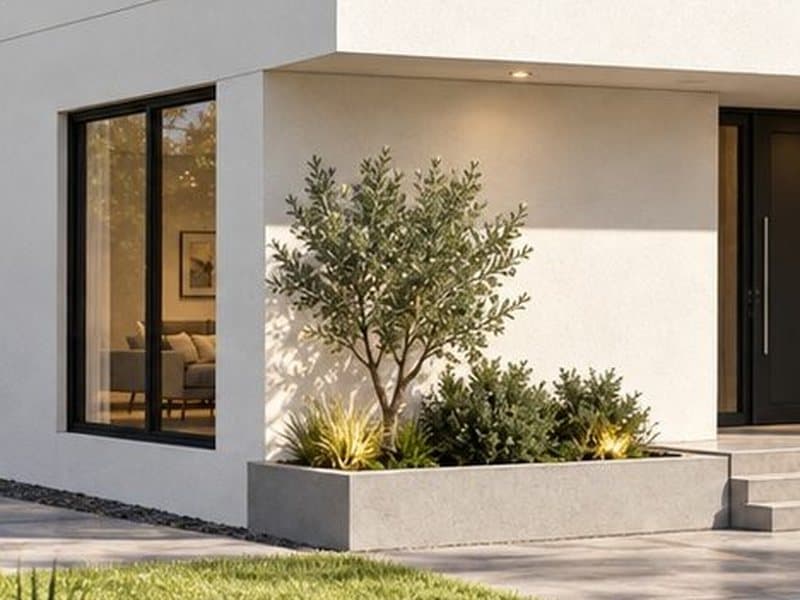
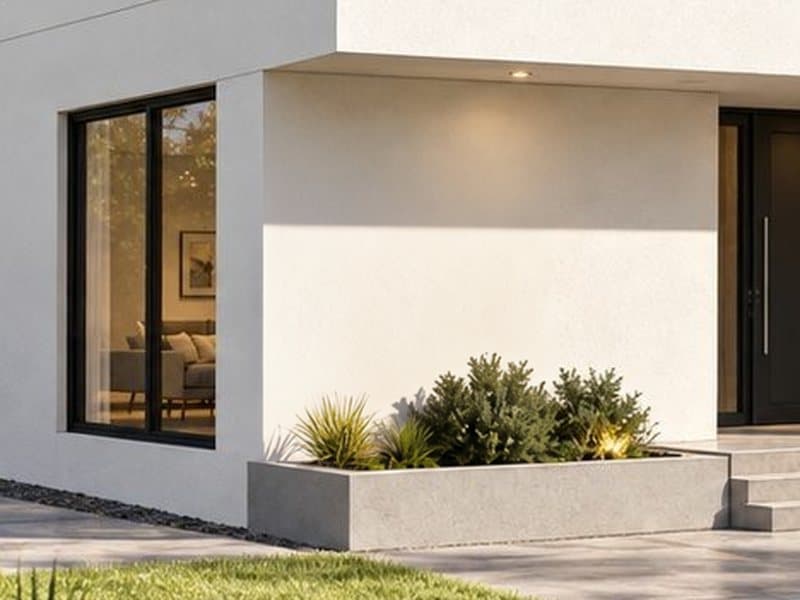
Remove
Take things out and rebuild what is behind them.
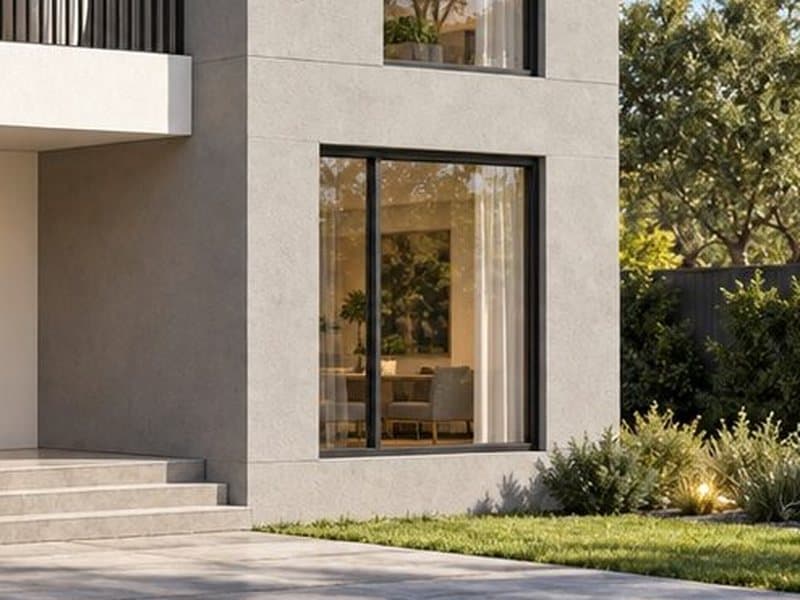
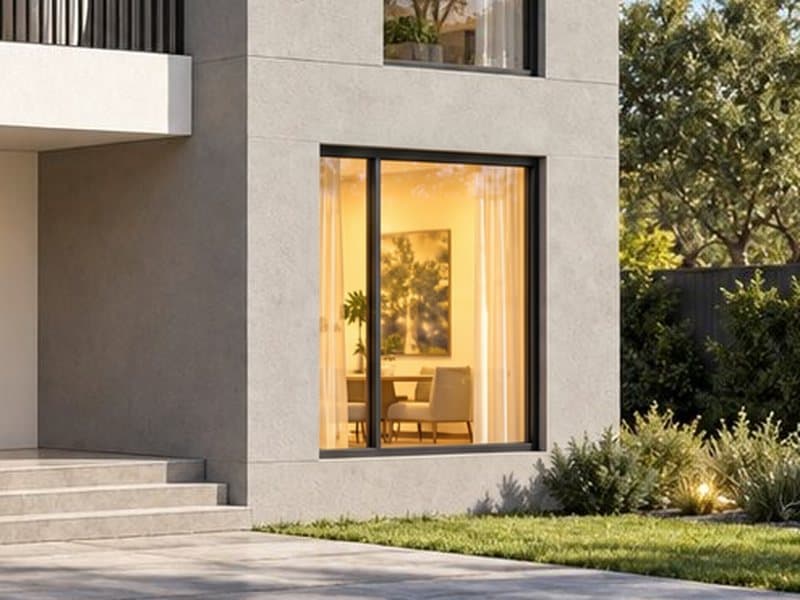
Free
Write your own: lights on, a new sky, wet ground…
Companion plugins for SketchUp, 3ds Max and Photoshop
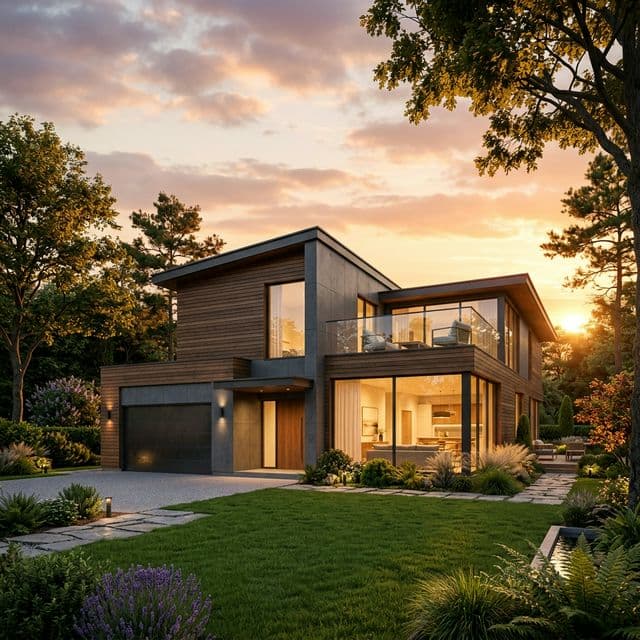
Lotuz Photoshop
AI for Photoshop
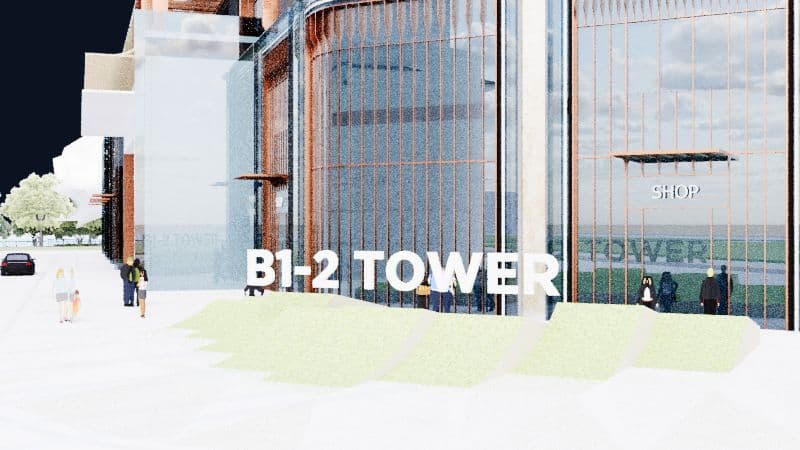
Lotuz Sync
SketchUp to 3ds Max sync
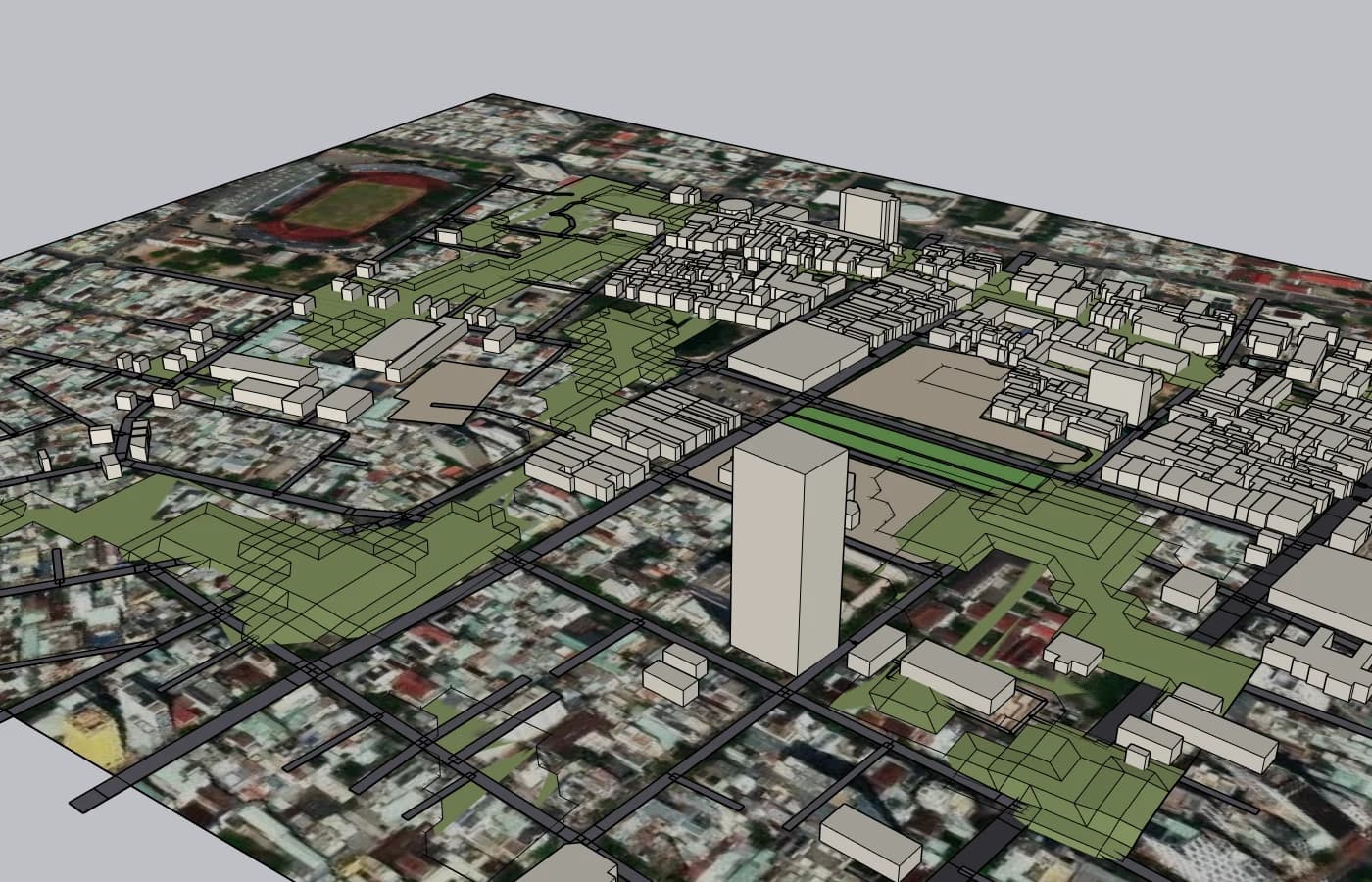
Lotuz GIS
Urban context and terrain inside SketchUp
Lotuz Sync Blender
SketchUp to Blender — early build
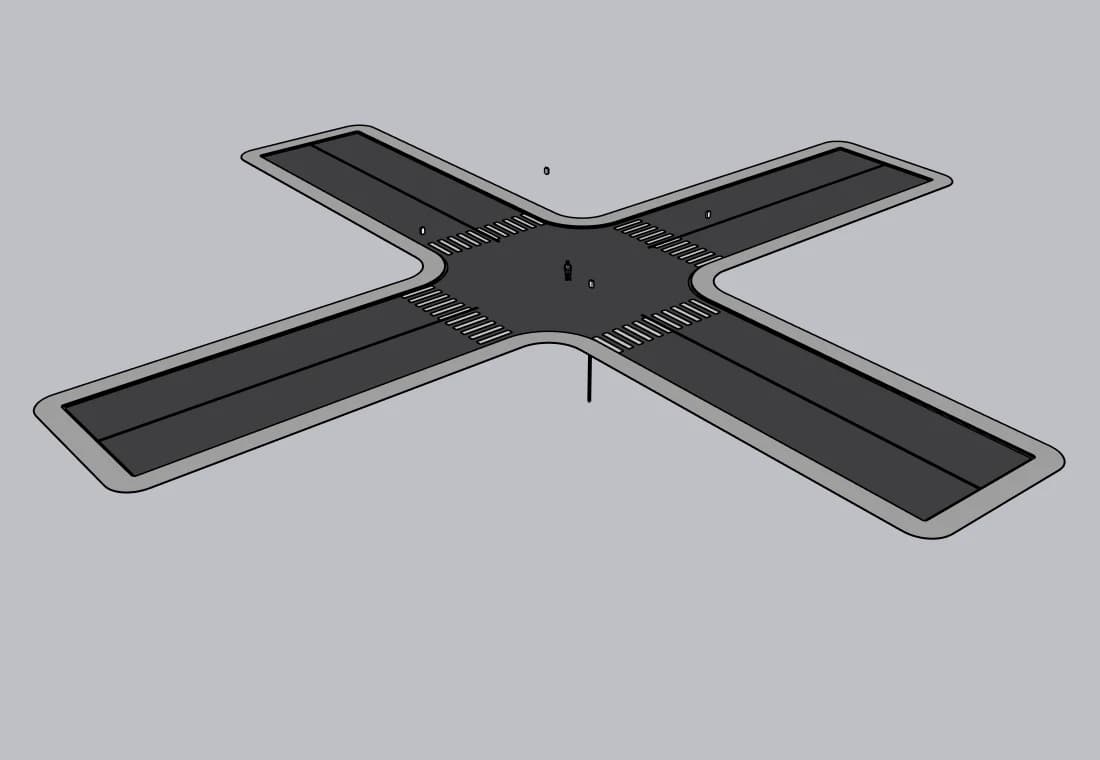
Lotuz Road
Roads, junctions and markings in SketchUp
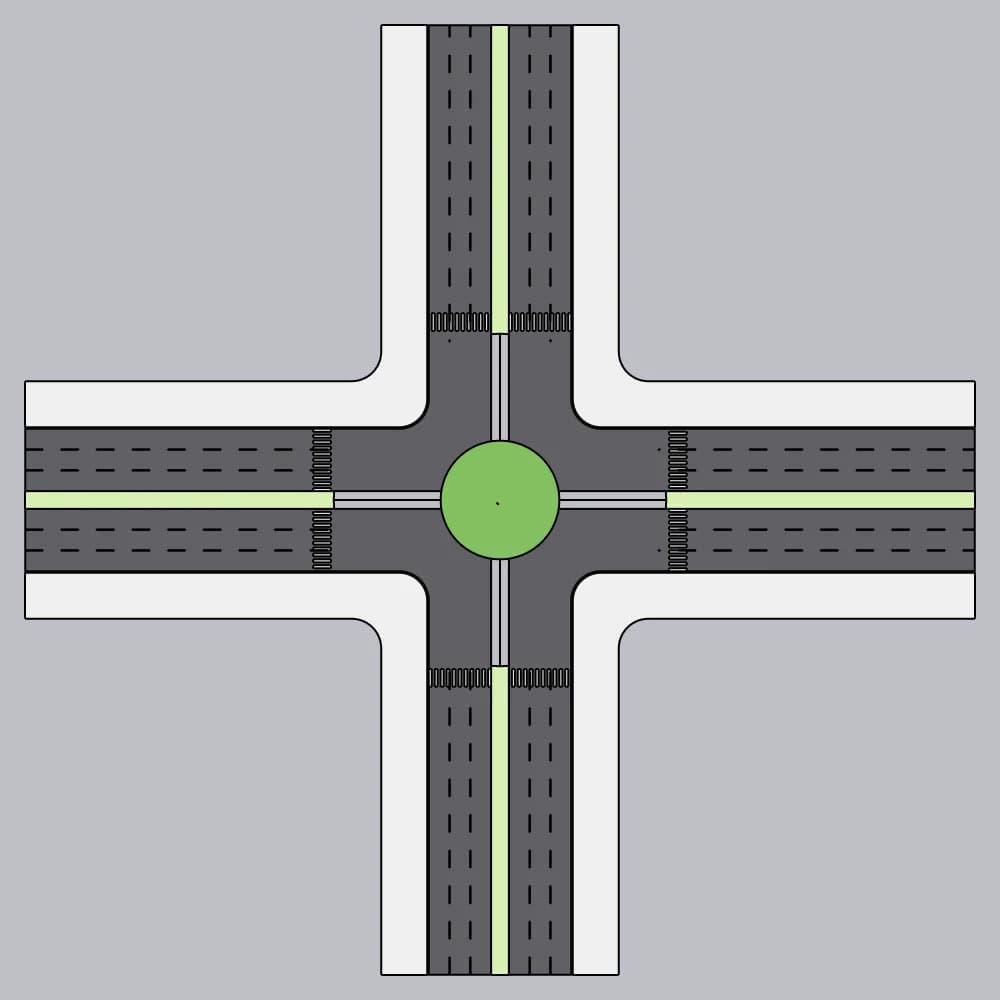
Lotuz Profile
Lay curbs and edging along a path
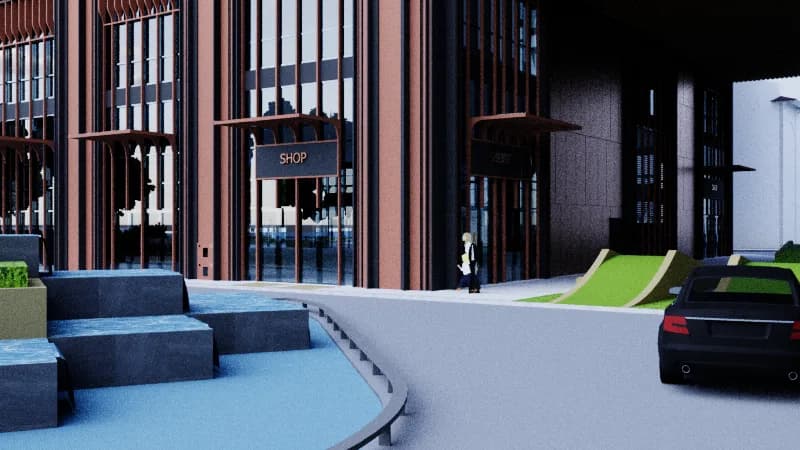
Lotuz Windows
Parametric doors, windows and curtain walls
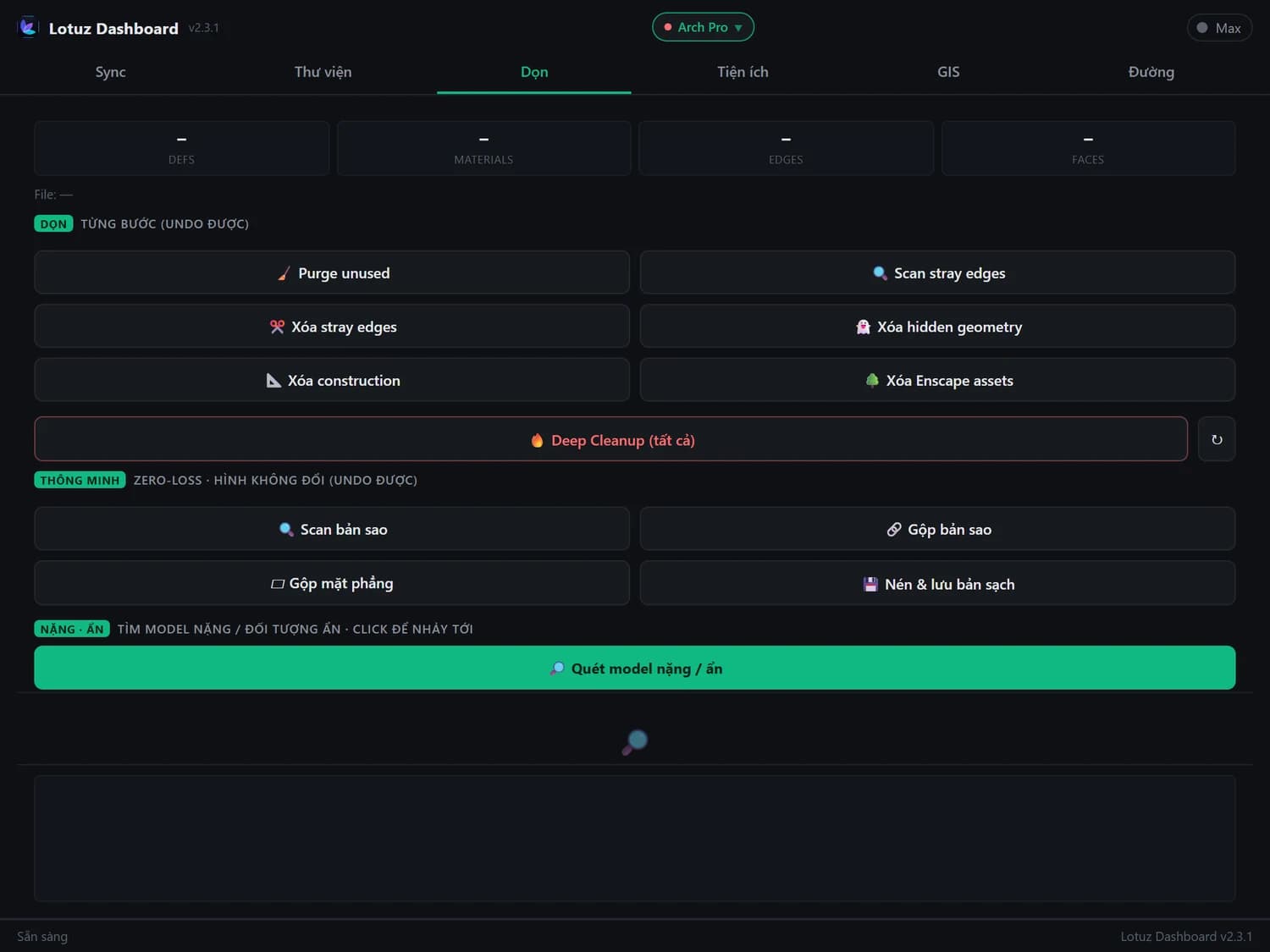
Lotuz Clear
Clean up SketchUp files — free
Project Manager
SKP · SKM · texture library
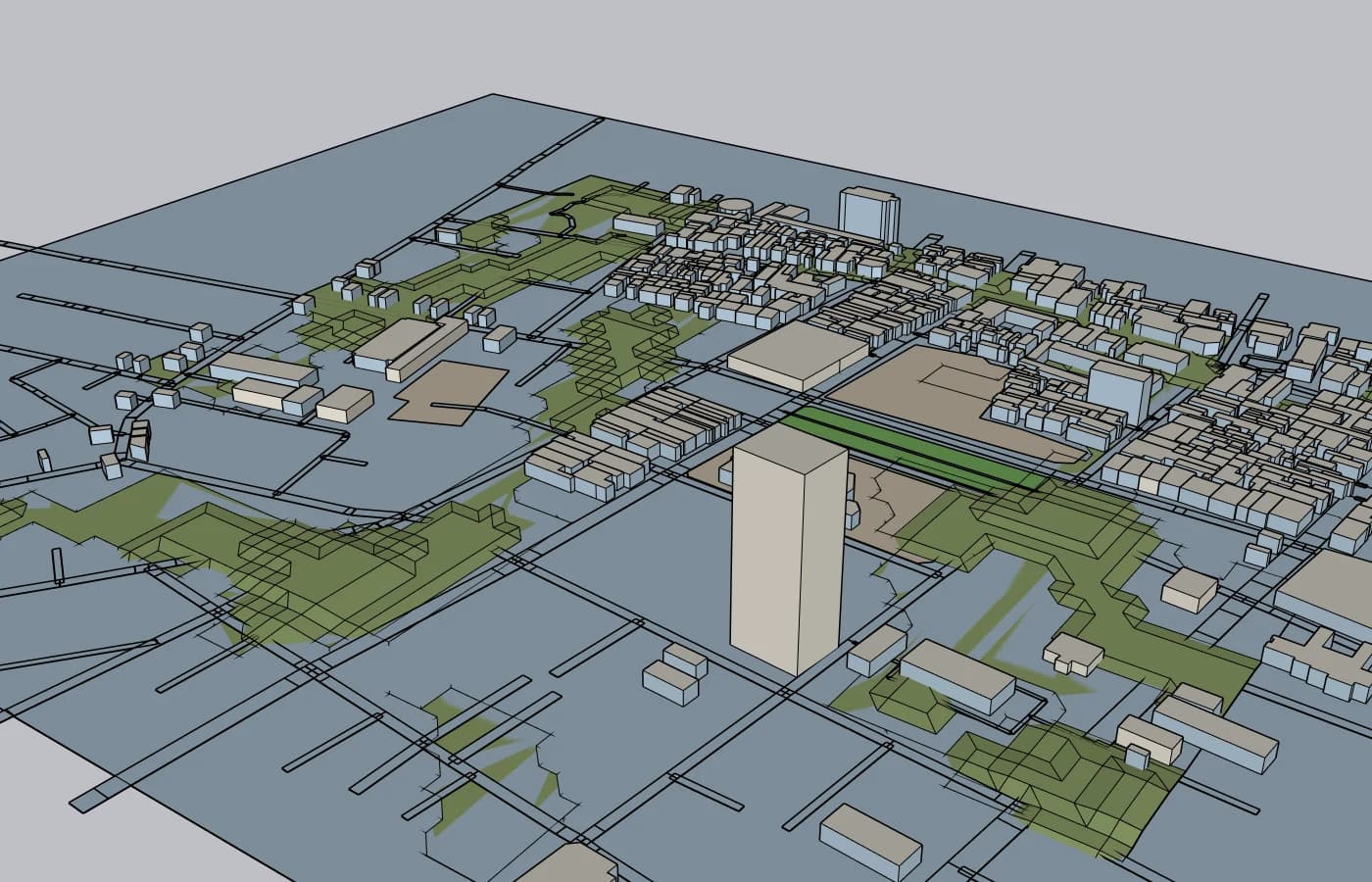
Lotuz Massing
Massing and apartment layout — free
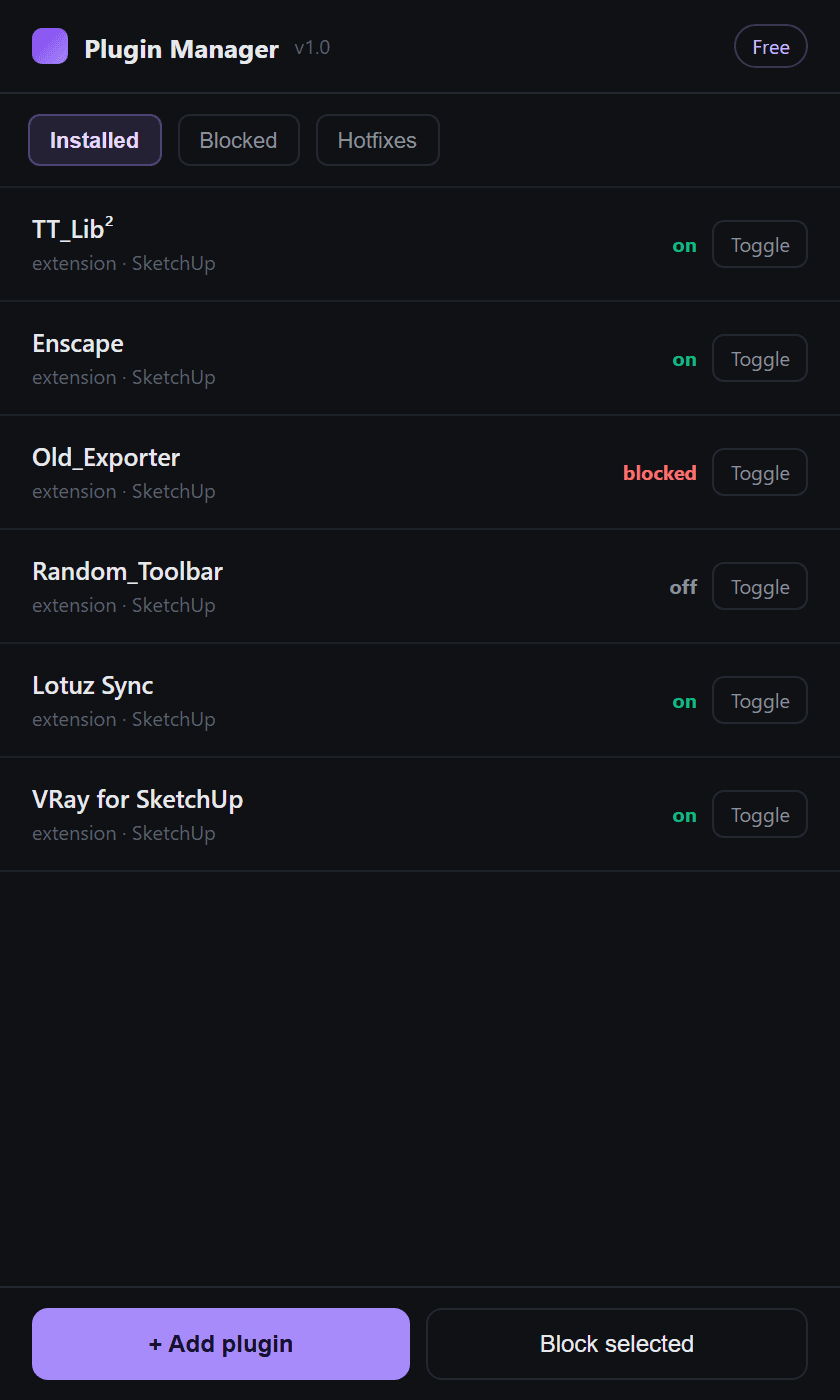
Plugin Manager
Block · Remove · Manage · Add SketchUp plugins
Lotuz MCP
Use Claude with SketchUp
Guides from the Lotuz Community
Hands-on tutorials written by the Lotuz team for architects and visualizers — free to read, no account needed. (In Vietnamese.)
- Căn bản & Live SyncNhập model vào D5 và cập nhật khi bản vẽ thay đổi
- Vật liệu & PBRVật liệu trong D5 — hiểu PBR trước khi chỉnh thông số
- Script & Plugin 3ds MaxChuyển vật liệu V-Ray sang Corona
- D5 Render cho Kiến trúcGiáo trình D5 Render Lotuz — mục lục toàn tập
- SketchUp cho Kiến trúcGiáo trình SketchUp Lotuz — mục lục toàn tập
- Corona 3ds Max cho Diễn hoạGiáo trình Corona 3ds Max cho diễn hoạ — mục lục toàn tập
- Corona căn bảnLý thuyết render vật lý: exposure, tone mapping, dải sáng
- Cảnh quan & ScatterOcean và mặt nước: hồ bơi, sông, biển
Courses:SketchUpCorona · 3ds MaxD5 RenderBlenderBrowse the whole Community →
Frequently asked questions
What is included in Lotuz Arch?
Which tools are free?
How many machines can one account use?
Which software versions do I need?
How is Lotuz Photoshop billed?
How do I get Lotuz Road?
Start with the free tools
Create an account in a minute. Buy Lotuz Arch, the Photoshop plan or CR later, only if you need them.
No card required · Free tools never expire